The best AI product photo tools for apparel brands in 2026
Apparel is the hardest category for AI product photography. Here is which tool fits which job, from on-model and fit to editorial, cross-category, and batch runs, grounded in 40,000+ real AI apparel generations.
On-model from flat-lays, fit on activewear and swim, editorial campaigns, cross-category catalogs, and big batch runs. Which tool fits which job, grounded in 40,000+ of our own AI apparel shots.
Quick answer. Apparel isn't one job, so there's no single tool that wins. For on-model shots from flat-lays (the job most brands actually need), Botika is the apparel-native default, and it's also the strongest pick for fit-sensitive categories like activewear, swim, and intimates. For editorial campaign imagery, Lalaland.ai is what big retailers like Levi's and Calvin Klein use, though pricing is enterprise-only. If you sell apparel alongside skincare, jewelry, or home goods, Photoroom handles every category in one place. For batch runs of hundreds of SKUs at once, Uwear. Skip general AI image tools like Midjourney and DALL-E for apparel: they generate a garment, not your garment, and on clothing the whole job is keeping your garment.
I tried to rank these one to five. The data wouldn't let me.
I'll start with the part I got wrong. The first time I drafted this, I had a clean ranking: best tool down to worst, one through five. Then I went and looked at real usage data and the ranking fell apart, because the tools aren't doing the same job.
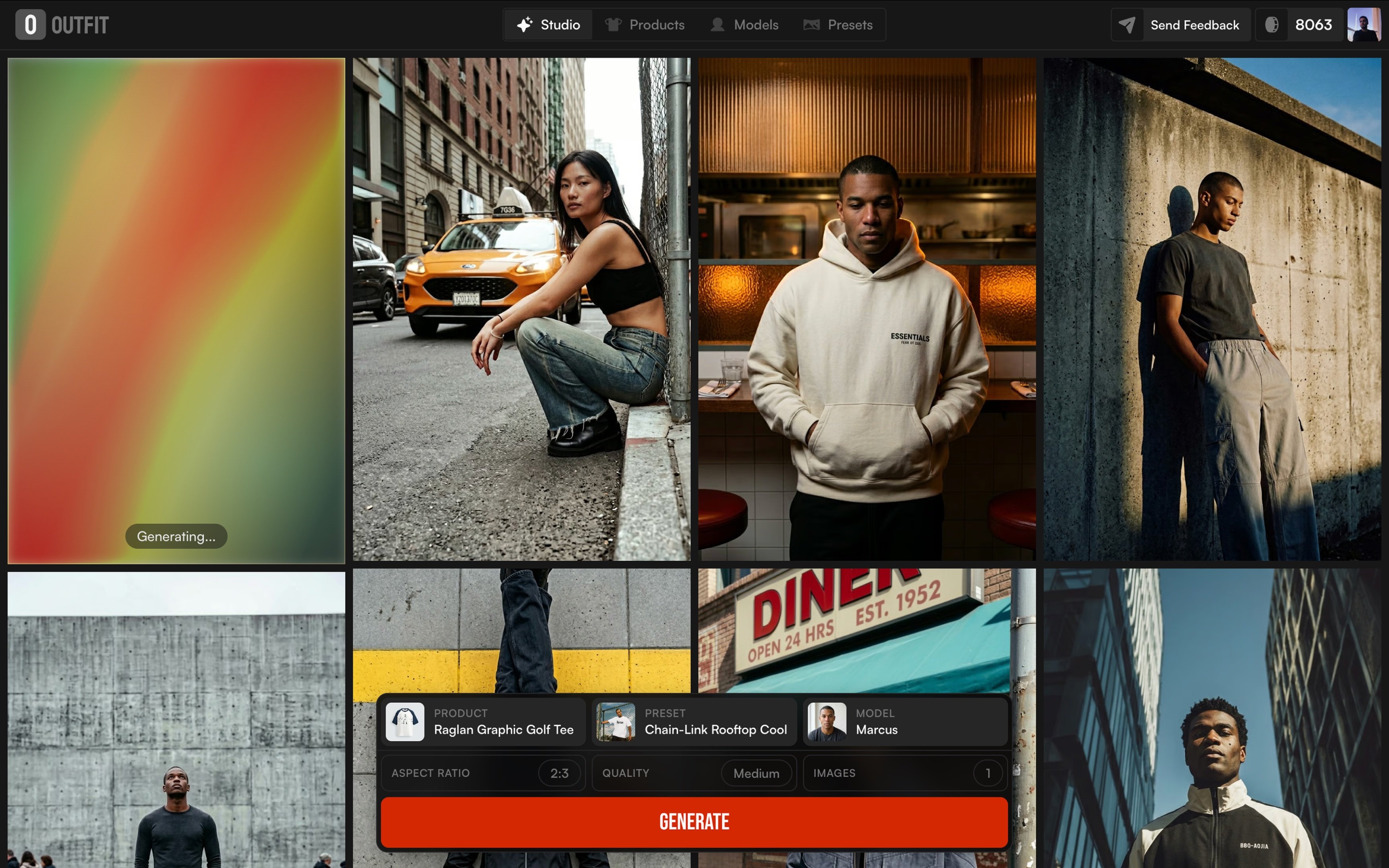
I work on one of the tools in this space (Outfit), so instead of guessing from everyone's marketing pages, I pulled our own numbers. More than 12,000 products have run through the platform, the vast majority of them apparel, generating over 40,000 images. Two things in that data changed how I'd write this.
First, the flat lay is the single most common photo brands start from. More than a third of products come in as a flat lay, ahead of on-model, mannequin, and hanging shots. So the job most brands actually need is the hard one: take a garment lying flat and turn it into a believable person wearing it, without losing the print, the texture, or the cut along the way.
Second, "apparel" is a stack of very different problems wearing one label. The catalog runs heavy on t-shirts, dresses, hoodies, shirts, and jackets, then tails out into knitwear, swimwear, lingerie, suiting, and even a bit of jewelry. A tool that nails a flat cotton tee can come apart on a ribbed knit or a string bikini. The fabric is the difficulty, and the fabric changes constantly.
So this is a map, not a leaderboard. And because I work on one of these tools, I've kept it off the picks entirely. Everything below is what I'd actually recommend without a conflict.
The jobs apparel photography splits into
Before the tools, the split. Almost every brand's need lands in one of these five buckets, roughly in the order they show up in a real workflow:
On-model from a flat lay. The core job. Generate a body, a pose, and preserve every detail of the garment in the input photo. This is where most brands live, and it's the hardest thing to get right.
Fit accuracy. A narrower version of the on-model job for activewear, swim, and intimates, where the customer is buying based on how the garment sits on a real body. Anatomy and stretch behavior become the conversion factor.
Editorial and campaign imagery. Homepage heroes, seasonal launches, paid creative. Mood and lighting matter more than preserving every stitch, and the budget is bigger per image.
Cross-category catalogs. Brands that sell apparel plus skincare, jewelry, or home goods and don't want a separate tool for each.
Batch at scale. Hundreds or thousands of SKUs that need to ship on a deadline, where throughput beats per-shot perfection.
Most brands need one or two of these. Almost nobody needs all five. Pick the bucket that matches your workflow, then the tool follows.
Botika: on-model from flat-lays, built around fit
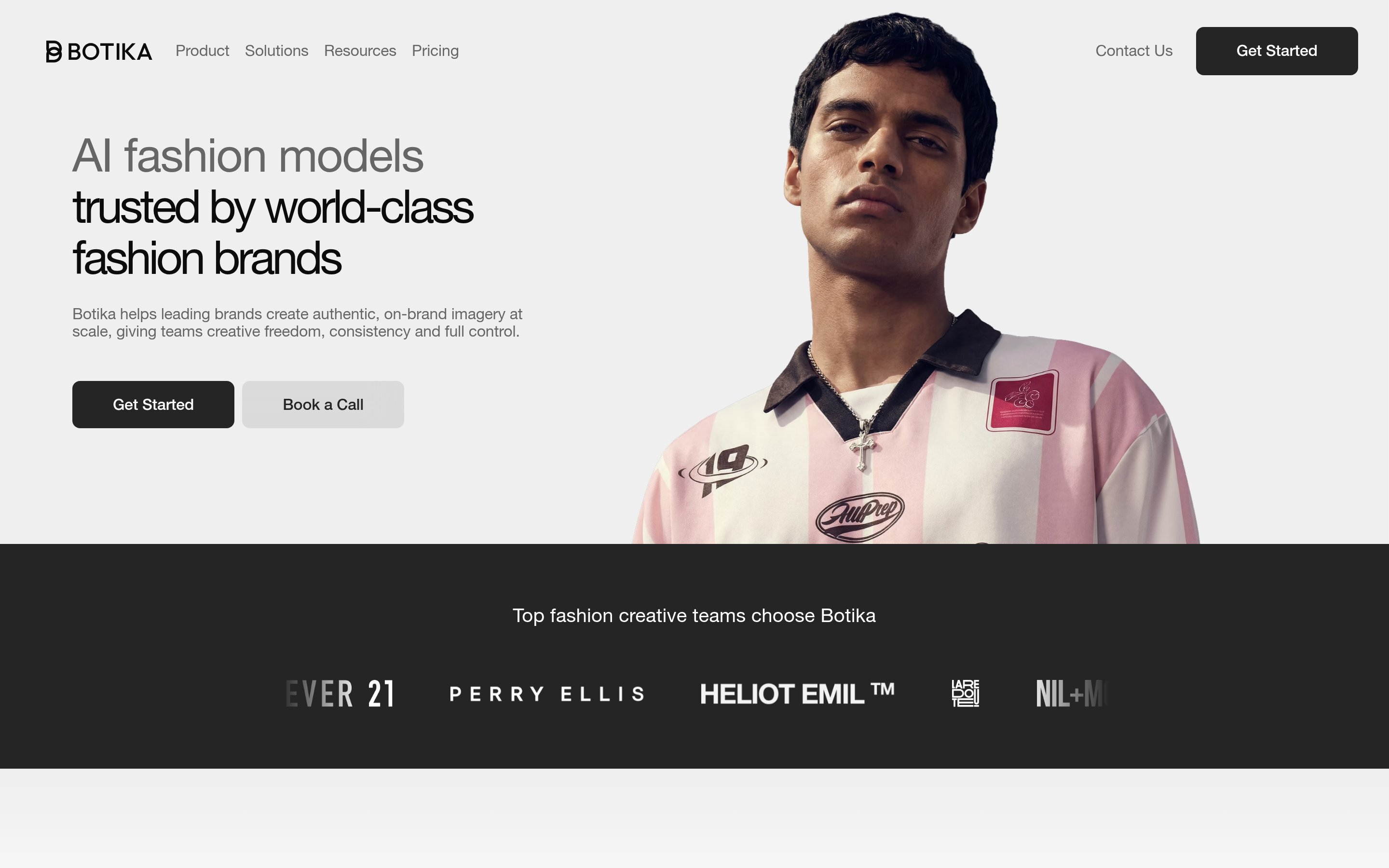
Botika is the most apparel-native of the tools I can recommend. You upload a flat lay, ghost mannequin, or mannequin shot, and it generates an on-model image with a real-looking body and pose. That's the core job, and Botika is squarely built for it. Forever 21, Perry Ellis, Jordache, and La Redoute are on its client list, which tells you it holds up at real catalog scale, not just for indie drops.
Where it pulls ahead is fit. For most clothing, "is the model the right shape for this garment?" is a quiet question. For activewear, swimwear, and intimates, it's the whole sale. A compression top has to look like it's compressing. A swimsuit has to behave like a swimsuit on the body, not a printed tee. Botika's fit mapping adjusts garment drape and stretch to body shape, and it's the most defensible thing any tool in this space does for those categories specifically.
The honest caveats: plans start at $22/month, one credit per photo, with a free trial, and the higher tiers add paid retouching rounds and up to 4K. Each image takes around 15 minutes to process, so the workflow rewards queuing a batch and walking away rather than iterating live. And the retouching-as-a-service model is a tell that the raw output sometimes needs a human pass.
Use Botika if you're running an apparel catalog and the main job is on-model from flat-lays, and especially if any meaningful slice of what you sell is fit-sensitive.
Lalaland.ai: editorial and enterprise
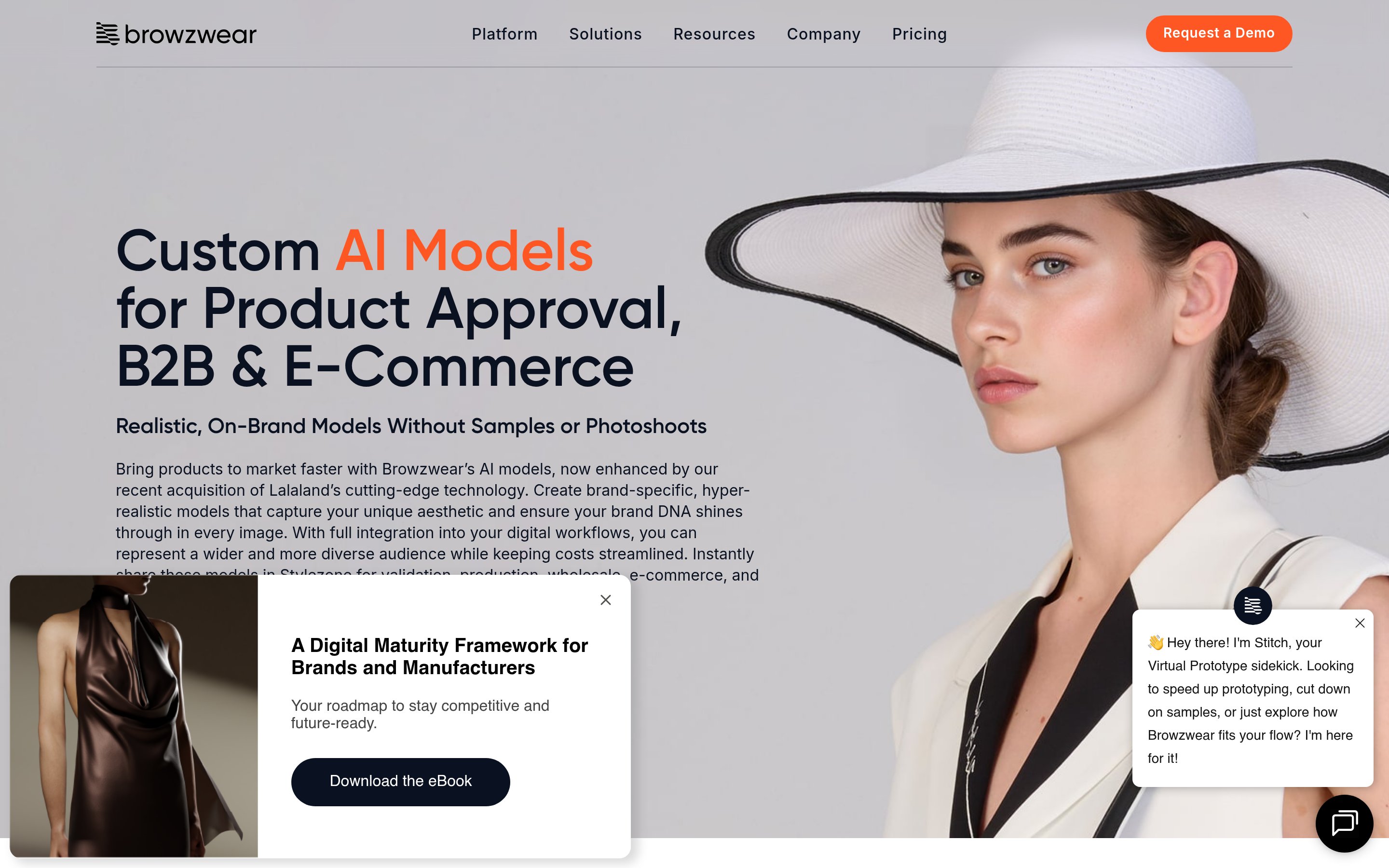
Lalaland.ai is playing a different game. The output isn't really for a product page, it's for a homepage hero, a campaign banner, a seasonal launch. The fidelity bar shifts from "preserve every stitch" to "look like it cost $20,000 to shoot."
This is the tool the big houses reach for. Levi's publicly tested Lalaland's AI models back in 2023 (and caught some backlash for it), and Calvin Klein, Tommy Hilfiger, and the Otto Group have all worked with the company. Its real strength is diversity at campaign quality: models across body types, ages, skin tones, and sizes, generated in minutes instead of cast and flown to a location shoot.
Here's the catch for most readers of this blog. Lalaland doesn't publish consumer pricing. It's a consumption-based, talk-to-sales, enterprise-tier product, and the enterprise plan has been reported around €900/month. If you're a brand doing $100K to $5M in revenue, Lalaland is mostly aspirational. You don't need editorial-grade campaign renders for everyday product pages, and you probably can't justify the spend.
Use Lalaland if you're a large retailer with a real campaign budget and a creative team, and the image needs to read as editorial rather than catalog. For everyone else, keep it on the someday list and pair a catalog tool with a real photographer for the one or two hero moments a season.
Photoroom: the cross-category catalog tool
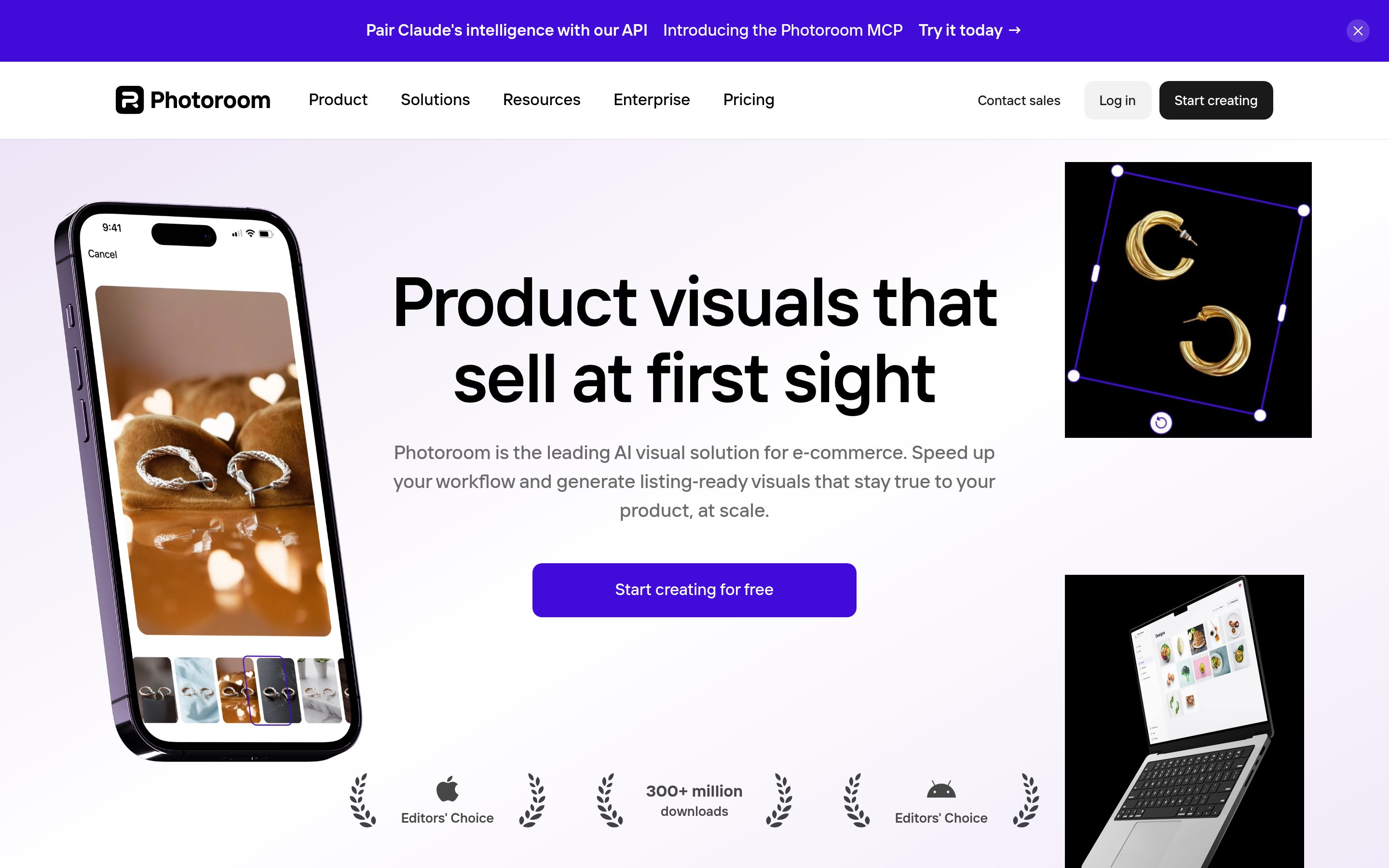
Photoroom doesn't call itself a fashion tool, and that's the point. It's the AI photo layer for every kind of ecom product, with apparel as one category among many. With 150M+ downloads, its background removal is genuinely the best in the market for speed and accuracy, and the breadth is the value: skincare, jewelry, candles, supplements, and apparel all live in one workflow.
Pricing is the friendliest on this list. There's a real free tier at 250 exports a month, Pro is $12.99/month (about $7.50 on annual billing), and Max runs $34.99/month with bigger batch limits. It runs on web, iOS, Android, and Mac, and you can push images to a Shopify store via export. A newer Virtual Model feature does put apparel on AI-generated models, but it's a bolt-on to the editing suite rather than the core, so it won't match a dedicated fashion tool on hard garments.
Where Photoroom is genuinely sharp on apparel is scene work on photos you already have. You shot a model in the studio, and you want her on a beach next week. The garment is already real, so the tool's job is masking and scene generation, not garment preservation, and it does that cleanly and fast.
Use Photoroom if you sell apparel plus other categories and don't want a separate tool for each, or if you already have real on-model shots and want to expand them into new scenes without reshooting.
Uwear: batch-first, for big catalog runs
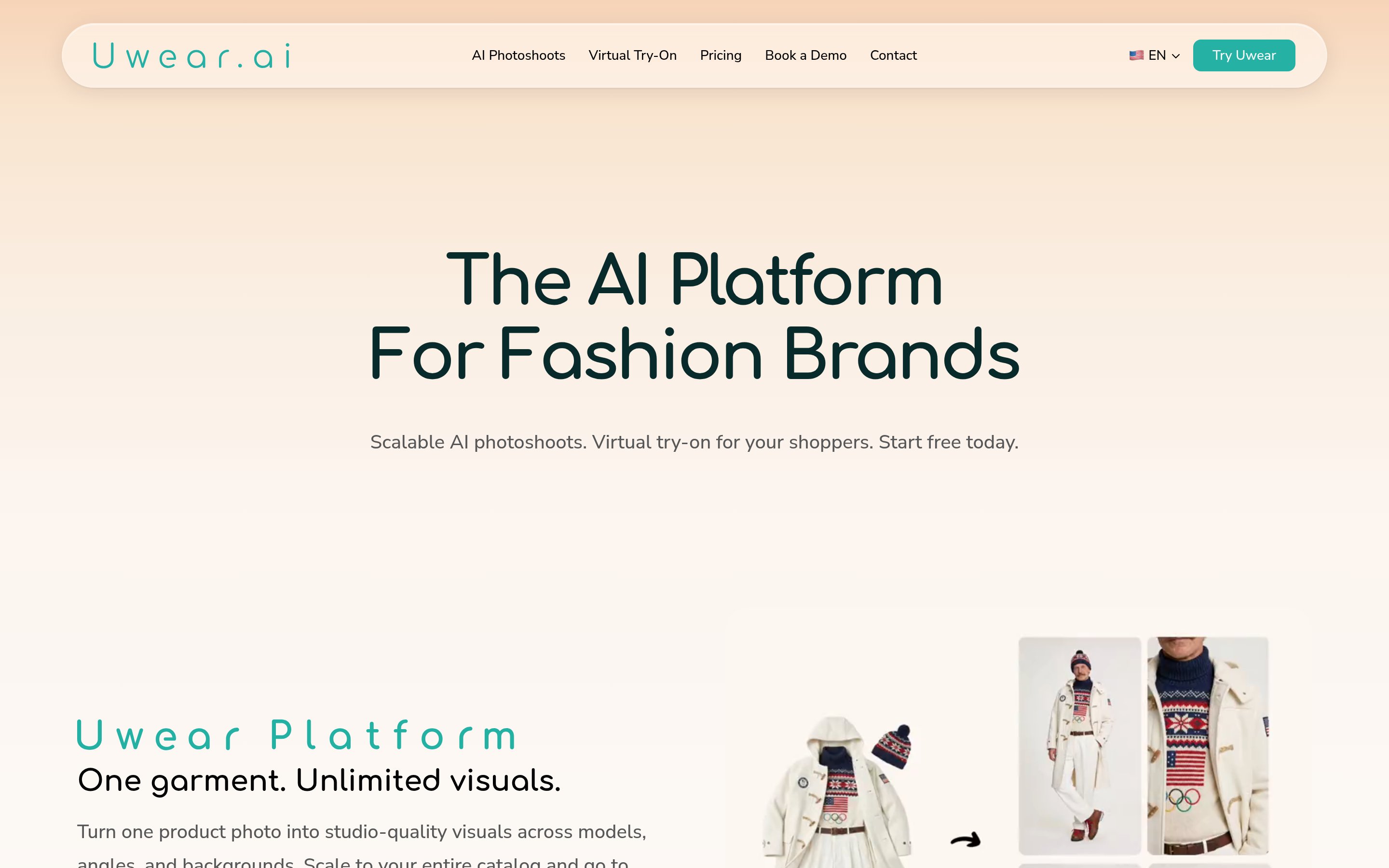
Uwear bets on workflow shape over per-image polish. You upload your catalog, set the model, background, and angles once, then generate every photo in a single run. Most other tools are interactive one-shot generators with batch tacked on. Uwear is the inverse: batch-first, with the interactive tweaks tacked on.
The pricing is unusual and worth knowing. You can run it pay-as-you-go at $0.10 per credit with no subscription and credits that never expire, or take a monthly plan (Basic $57, Plus $97, Premium $297). The batch pipeline chains multi-angle shots, short video clips, and 4K upscaling, and the enterprise tier handles overnight runs of up to around 500 products. It also does virtual try-on.
Use Uwear if you have a season's worth of SKUs in a folder and a hard ship date, and the real question is throughput, not per-shot perfection. Brands pushing a 500-plus catalog through a seasonal refresh are the natural fit.
The rest of the field
A handful of other tools come up enough in apparel conversations to address directly, without giving each the same "great for X" treatment.
Claid.ai is the broadest all-in-one, strong on background work, upscaling, and API automation across every product category, from $9/month. Its fashion-specific output is less advanced than the dedicated tools, so it's the pick when breadth and a Zapier-friendly pipeline matter more than nailing a ribbed knit.
Rawshot is a fashion-at-scale studio with a huge library (600+ models, 1,500+ backgrounds) from $9/month, and it embeds C2PA content credentials, which matters if you sell into the EU ahead of the AI Act rules landing in August 2026. Per-image cost lands around $0.45 to $0.56.
WearView bundles try-on, model creation, product-to-model, and video into one fashion suite from $29/month. Worth a look if you genuinely use most of the bundle. If you only need the on-model job, a tool built around just that will beat it, and there's no batch or API yet.
Pebblely and Flair.ai are background and staging tools, not on-model generators. Pebblely is theme-based and easy (free for 40 images a month, $15+ after), Flair is a drag-and-drop canvas for creative control ($8+). Both are fine for clean staging on photos you already have, and both start to strain on complex prints, fine detail, and anything past a small catalog.
Higgsfield Marketing Studio is technically a different category (ad creative from a product URL, not product photography), but the output quality is closer to a real production than most of the space, from around $9/month. The post on AI UGC video tools covers that world in depth.
And the generalists. Midjourney, DALL-E, and Stable Diffusion without a fashion fine-tune are the wrong shape for apparel. They'll generate a garment that looks like yours. They won't preserve your garment, and when the print, the cut, and the construction are the product, that gap is fatal.
What AI still gets wrong on apparel
Here's the thing the marketing pages won't tell you, and the thing our own logs make obvious. The tools almost never hard-fail. When I went through the generation jobs looking for errors, the failures that did show up were boring infrastructure: a server overloaded, a request timed out, an input photo over the size limit. Actual "the garment came out wrong" problems barely register as failures at all, because the machine thinks it succeeded. The image renders clean. The print is just subtly off.
That's the trap. The failures that cost you sales are the ones the tool reports as done, so you have to catch them yourself. Here's where they hide, worst first.
Bold prints and patterns. This is the one customers notice most. Take a polka-dot dress, a floral blouse, a geometric-print swimsuit, and the pattern tends to drift: the dots come out a different size on the sleeve than on the body, the floral smooths out at the waist, the geometry warps around a curve. Apparel-native tools with explicit garment-preservation (Botika, Rawshot, WearView) hold patterns better. Generalists smear them. Test your most-patterned SKU before you commit to anything.
Knit textures. Knits are the second-hardest fabric. The tool has to render visible stitches, cables, and ribbing, and the way knit drapes heavier and more structured than a woven. Most tools default to a smooth, slightly plastic knit that reads like a tee with a vague texture printed on. The fix is to prompt explicitly (knit, cable, ribbed, chunky) and feed a reference image if the tool allows. The reusable product photo prompts post has templates you can lift.
Technical fabrics. Athletic mesh, performance synthetics, compression layers. Tools tend to over-shine these or render them cotton-like. Botika's fit mapping is built for exactly this case and is the strongest option for activewear and swim. Lalaland handles technical fabric well too, if you're shooting it as a campaign rather than catalog.
Drape on heavy garments. Wool coats, denim, leather. The fabric needs weight: it should fall from the shoulder, hold its shape at the hem, and not float. Lighter tools get this wrong and a wool coat ends up looking like cotton. The editorial-grade tools handle weight best.
Seams and stitching. Buttons, zippers, pocket stitches, contrast piping. These are the details customers zoom in on right before they decide to buy, and a tool that drops them produces a quietly uncanny photo. Apparel-specific tools preserve them. Generalists smooth them away.
Pose sameness. Not strictly a fidelity issue, but it shows. AI tools drift toward symmetric, frontal, slightly-too-still poses, and the result is a catalog that reads AI even when no single image does. Use a tool with real pose variety and rotate poses across the catalog.
If you're testing a tool, run your most-patterned SKU, your most-textured knit, your most-technical athletic piece, and your heaviest coat through it. Five generations in, you'll know whether it was built for apparel or whether apparel is one of fifteen "categories supported" on the homepage.
A quick note on AI fashion video
Because it comes up in every apparel AI conversation: AI video for clothing still trails AI photo in 2026, especially on the parts customers watch for (how fabric moves, how the model walks, how seams hold up in motion). It's real and improving, but none of it is yet the obvious "use this on every product page" answer.
If you want motion on product pages today, short 2-to-3-second loops are the safe bet over full talking-head video. The category actually winning right now is the URL-to-ad-variant tooling covered in the AI UGC video tools post, not AI video for product-page heroes.
What I'd actually use, by scenario
If you take one thing from this post, take this.
Running an apparel catalog, on-model from flat-lays: Botika. Start on the free trial and run your hardest SKU before you pay.
Activewear, swim, or intimates where fit is the sale: Botika's fit mapping. It's the most defensible tool in the space for body-conforming categories.
A big campaign moment with a real budget: Lalaland for the hero images, on request pricing. Keep a cheaper catalog tool for everything else.
Apparel plus skincare, jewelry, or home goods: Photoroom for the cross-category work, and a fashion tool (Botika or Rawshot) for the on-model apparel. Two small bills, two different jobs.
Hundreds of SKUs in one batch with a deadline: Uwear for pure batch throughput, or Claid if you also want API automation in the pipeline.
You already have real on-model shots and want new scenes: Photoroom for scene swap, Pebblely if you just need clean backgrounds.
Tiny budget, 10 to 50 SKUs: live on the free tiers first. Photoroom (250 exports a month), Pebblely (40 images a month), or Botika's free trial. Test on your own garments before you commit a card.
Phone-only, quick edits: Pixelcut. It won't do on-model, but it's the best mobile editor in the category.
Before you pick a tool: a checklist
Did you test it on your most-patterned SKU, your most-textured knit, and your heaviest coat? If not, don't subscribe yet.
Does it ship batch upload (CSV or folder)? If you're past 100 SKUs and the answer is no, walk.
What does it cost per image after re-rolls? Most tools quote a price that assumes you accept the first render. You won't.
Does it handle the categories you actually sell, or is it a generalist with "fashion" in the feature list? Test your category before committing.
Does the model library match your customers? Skin tone, body diversity, and age range vary a lot across tools. Run a quick audit.
Frequently asked questions
Which is the best AI tool for clothing photography in 2026?
It depends on the job. For on-model generation from flat lays on general apparel, Botika is the apparel-native default. For activewear, swim, or intimates where fit accuracy matters, Botika's fit mapping is the strongest. For editorial campaign imagery, Lalaland.ai, though it's enterprise-priced. For background and scene work across categories, Photoroom. For big batch runs, Uwear. There's no single tool that wins every apparel job, which is why most brands end up using two.
How much do AI apparel photography tools cost in 2026?
Catalog tools run from free tiers up to roughly $300/month, with per-image costs landing somewhere between $0.10 and $0.75 depending on plan and re-rolls. Editorial and enterprise tools like Lalaland are quote-only and cost far more per image. Compared to a traditional shoot, AI catalog work is dramatically cheaper, and the real AI-versus-studio math holds up once you pass roughly 30 SKUs.
Can AI photography tools handle bold prints and patterns?
Apparel-specific tools (Botika, Rawshot, WearView) preserve patterns reasonably well, with occasional warping at the waist and curves on the most complex prints. Generalist tools and raw image generators struggle and tend to smear or resize the pattern. Always test your most-patterned SKU before subscribing.
Do customers notice when product photos are AI?
On a quick scroll, mostly no. On close inspection, increasingly yes, especially on hands, faces, complex prints, and technical fabrics. The post on whether customers can tell goes through the data. The short version: most don't, some do, and the gap is closing.
Should I still hire a real photographer for apparel?
For most catalog work, no. For brand-defining hero shots and high-stakes campaigns where the photographer's eye is the value, still yes. The post on when to hire a real photographer versus using AI walks through the trade-off.
Which AI photo tool works best with Shopify?
Photoroom and Botika both connect to Shopify (Photoroom via export, Botika via its Shopify app), and tools like CreatorKit and SellerPic have deeper native integrations. For most apparel brands the integration is convenience, not necessity. Even tools without a Shopify app are easy to use through standard image upload.
The honest bottom line
Apparel AI photography isn't a ranking, it's a set of different jobs that happen to share a name. The working stack for most brands in 2026 is one apparel-native tool for on-model catalog work, maybe a cross-category tool layered in if you sell beyond clothing, and a real photographer kept on call for the one or two campaign moments a year that have to be perfect. The whole bill usually comes in under $50 a month.
Test your hardest garment before you commit. Patterns, knits, technical fabrics, heavy coats. The tool that survives your worst SKU is the one you keep.