Free Product Photo Audit
Drop in a product photo and get a brutally honest score, marketplace-specific grades, and the top issues holding it back. Built for sellers who want to know why their photos are not converting.
Frequently asked questions
Questions we hear from sellers about product photos. If yours is not covered, let us know.
What does the audit actually do?
It looks at your product photo and grades it the way an experienced e-commerce photographer would. You get an overall score out of 100, five sub-scores for lighting, background, composition, model and styling, and studio polish, plus a separate score for each marketplace (Amazon, Etsy, Shopify, eBay, TikTok Shop). It calls out the top three issues holding the photo back and tells you what a top-decile photo for your product would look like.
Why are the scores so harsh?
Because polite feedback does not sell more product. The audit is tuned to talk to you the way a tough creative director would: specific, direct, focused on what is actually hurting your conversion rate. If your photo gets a 40, that means it scores below most listings in your category. That is information you can act on, not a comfort score.
Why are the marketplace scores different?
Each platform has its own rules and buyer expectations. Amazon requires a pure white background with the product filling 85 percent of the frame on the main image. Etsy lets you get creative with lifestyle. TikTok Shop wants aspirational, on-model shots. The same photo can be perfect for Etsy and rejected by Amazon. The audit grades against each set of rules separately so you know exactly where the photo works and where it does not.
How is this different from just asking ChatGPT?
ChatGPT gives you generic, polite feedback because it does not know what good looks like for your category, your marketplace, or your buyers. This is tuned on real e-commerce rules: Amazon main image requirements, Etsy listing best practices, what converts for fashion vs accessories vs jewelry. It is also instructed to be specific and honest, not encouraging.
What kind of photo should I upload?
Upload your real product photo. The exact one you would use (or are already using) on your listing. Phone photos are welcome. Flat lays, hanger shots, mannequin shots, lifestyle shots, anything. The point is to grade what you are actually putting in front of customers.
What product categories does this work for?
It is tuned for fashion and apparel: clothing, shoes, bags, jewelry, accessories. It also works for beauty, home decor, and most other physical e-commerce categories. The audit detects the category from your photo and weights the scoring accordingly. A flat-lay sweater is acceptable. A flat-lay dress is not.
My photo scored 41. Now what?
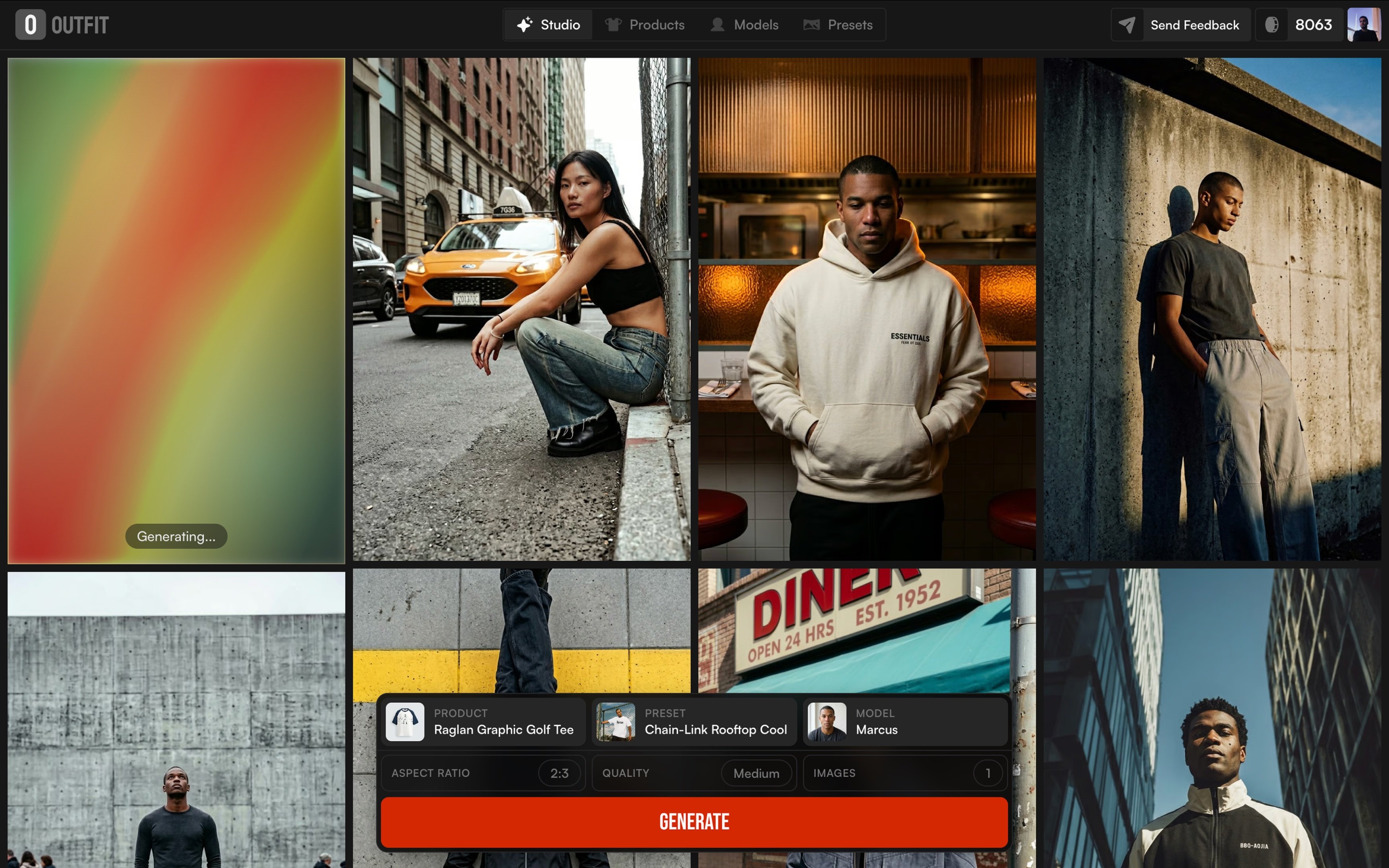
The audit tells you the top three issues. Fix the worst one first. If the photo is missing a model, that is usually the single biggest score gap because customers cannot visualize fit. Outfit Studio generates studio-quality photos of your product on a model in seconds, no photographer, no studio. Most photos jump 40 to 50 points once they have a real model.
Is this actually free?
Yes. No signup, no credit card, no watermark on the output. There is a daily limit per IP so things stay fair, but the audit and the score are yours to use however you want.
Studio-quality photos and videos, on demand.