How To Effectively Manage Your Calendar As A Small Business Owner
Feeling overwhelmed by your business schedule? Learn how to build a simple, effective marketing calendar that actually keeps you organized.
Let me paint you a picture. It’s 10pm on a Wednesday and you’ve just remembered your collection drops on Friday. The emails aren’t written. The content isn’t planned. The website banner still says Summer Sale. Tomorrow is packed with calls and your phone won’t stop buzzing.
Sound familiar?
This is how a lot of small business owners operate constantly reacting, constantly catching up. Not because they’re lazy. Not because they don’t care. But because there’s no clear system holding everything together.
When everything feels urgent, marketing is usually the first thing to suffer. And that’s the part that actually drives sales.
This post isn’t about a complicated productivity system. It’s about building a simple calendar structure that keeps your launches, campaigns, and content from sneaking up on you.
What is a marketing calendar, really?
It sounds complicated. It’s not.
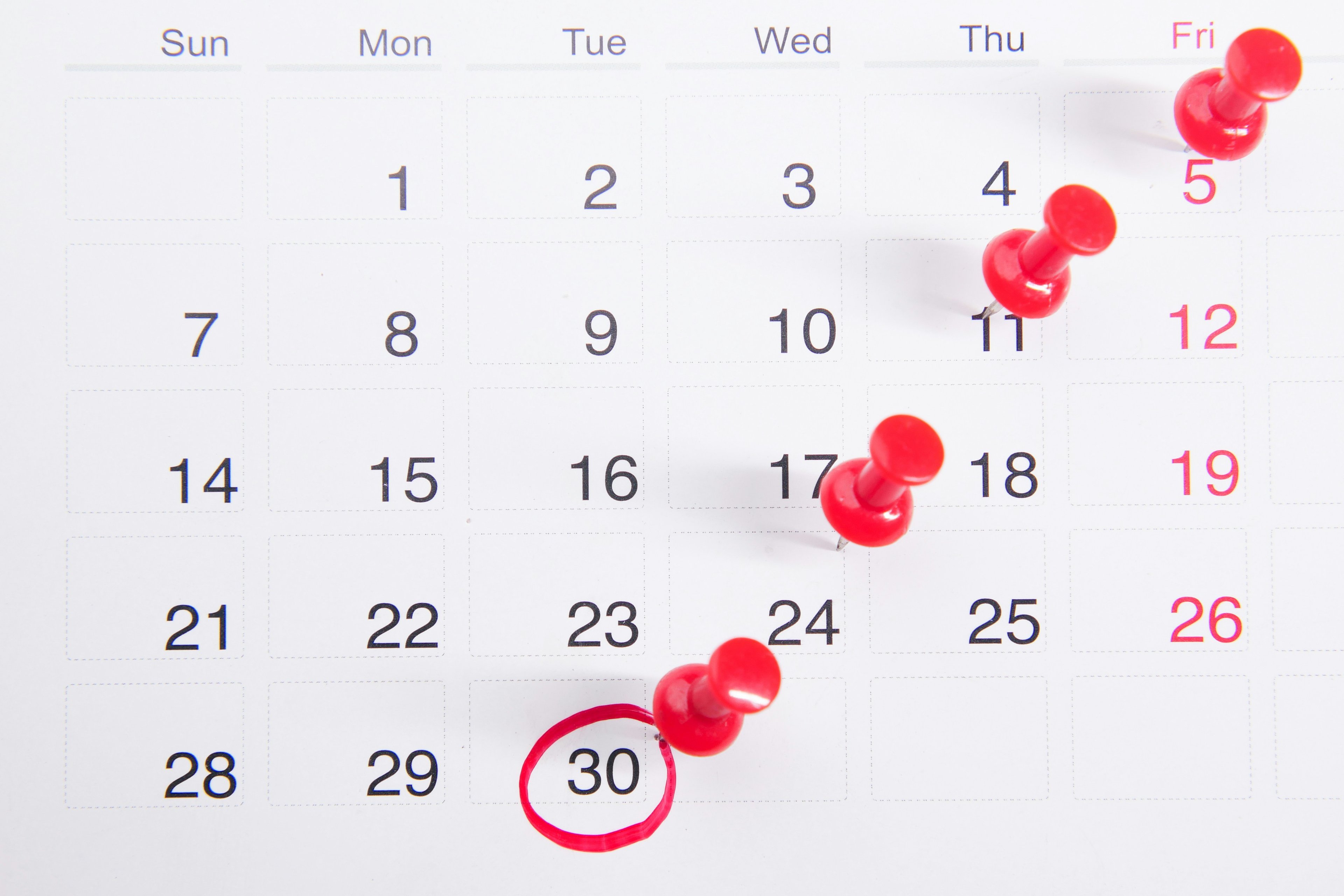
A marketing calendar is simply one place where you can see everything happening in your business over a set period of time. What’s launching. What’s going on sale. What content needs to go out and on which channel. When stock is arriving. When creative needs to be ready.
It’s not a rigid schedule. It’s visibility.
Instead of reacting week by week, you can see what’s coming before it becomes urgent.
For a fashion brand, this matters more than you think. Say a new dress is arriving in six weeks. A marketing calendar helps you work backwards. When does the shoot happen? When should emails be scheduled? When do you start teasing it on Instagram? When does it go live on the site?
Without that structure, those decisions don’t disappear, they just get pushed to the last minute. And when everything is last minute, quality drops and stress rises.
A marketing calendar doesn’t make the work disappear. It just makes it predictable, and predictable is powerful.
Why bother?
Here’s the truth: most small business owners don’t have a calendar problem. They have a planning problem. And the two aren’t the same.
You probably already have a calendar maybe three. One on your phone, one on your laptop, maybe a notebook you’ve been calling a planner since January. The tool isn’t the problem. The problem is actually using it to plan ahead, not just log what’s already happening.
A proper marketing calendar changes everything:
You stop being reactive
When you can see what’s coming four weeks out, you can actually prepare for it. Revolutionary, I know but impossible without a system.Your content gets better
Planned with intention instead of thrown together last minute. A calendar lets you build anticipation, tell a story over several weeks, and avoid frantic it’s here posts.Your team (or freelancers, or just you) stops stressing
Rushed briefs lead to rushed work. Giving people time to do things properly makes a noticeable difference in quality.
And if you’re putting effort into your brand’s visual identity, a calendar keeps your content consistent week to week. That consistency is what compounds over time. Building a strong visual language isn’t a one-time thing, it’s maintained, and your calendar is how you do it.
Know your peaks before planning anything else
Before you start filling in dates, pause for a second. think about when your customers are actually in buying mode. Every business has peaks, those moments when the right campaign can make a real impact. Missing them because you weren’t ready? That’s one of the costliest mistakes a small brand can make.
For fashion and e-commerce, the big ones usually look like this:
January: post-Christmas hangover, new year mindset, new collections.
February: Valentine’s Day (bigger than you think for gifting fashion).
April: Spring drops, Easter weekend.
May: Mother’s Day, which sneaks up every year.
June/July: Summer launches, mid-year clearance.
September: Fashion’s real new year. Autumn collections, back-to-school energy.
November: Black Friday. Plan for this one in August. Seriously.
December: Christmas gifting, plus the end-of-year sale that spills into January.
Mark these in your calendar now even if it’s just a placeholder. Then, for each peak, figure out the lead time you actually need: for stock, creative, campaigns and work backwards from there.
How to actually build your calendar
Alright, here’s where most guides get abstract and leave you hanging. Let’s keep it real.
Start with the anchors
Anchors are the dates that don’t move. Stock arrivals. Event deadlines. Sale start and end dates. Put these in first everything else needs to fit around them.
Layer in your production timeline
Once the anchors are set, work backwards. A launch on the 15th? Your content should be ready by the 12th. Your shoot? By the 8th. Photographer briefed? By the 1st. Do this for every major moment.
Pro tip: if you want to get more out of your product photography without blowing your budget, check out some tips on enhancing your product images before your next shoot.
Add your content by channel
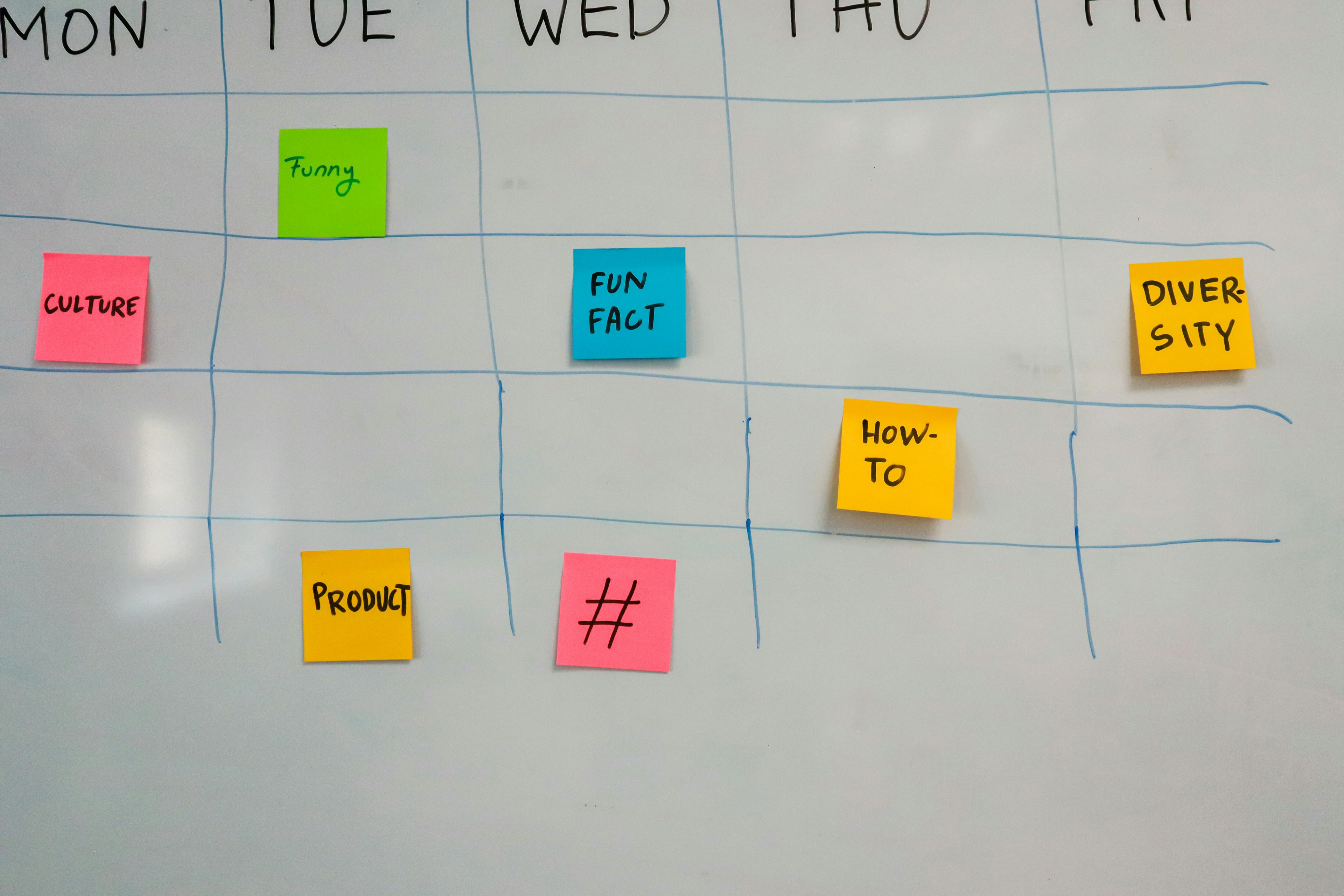
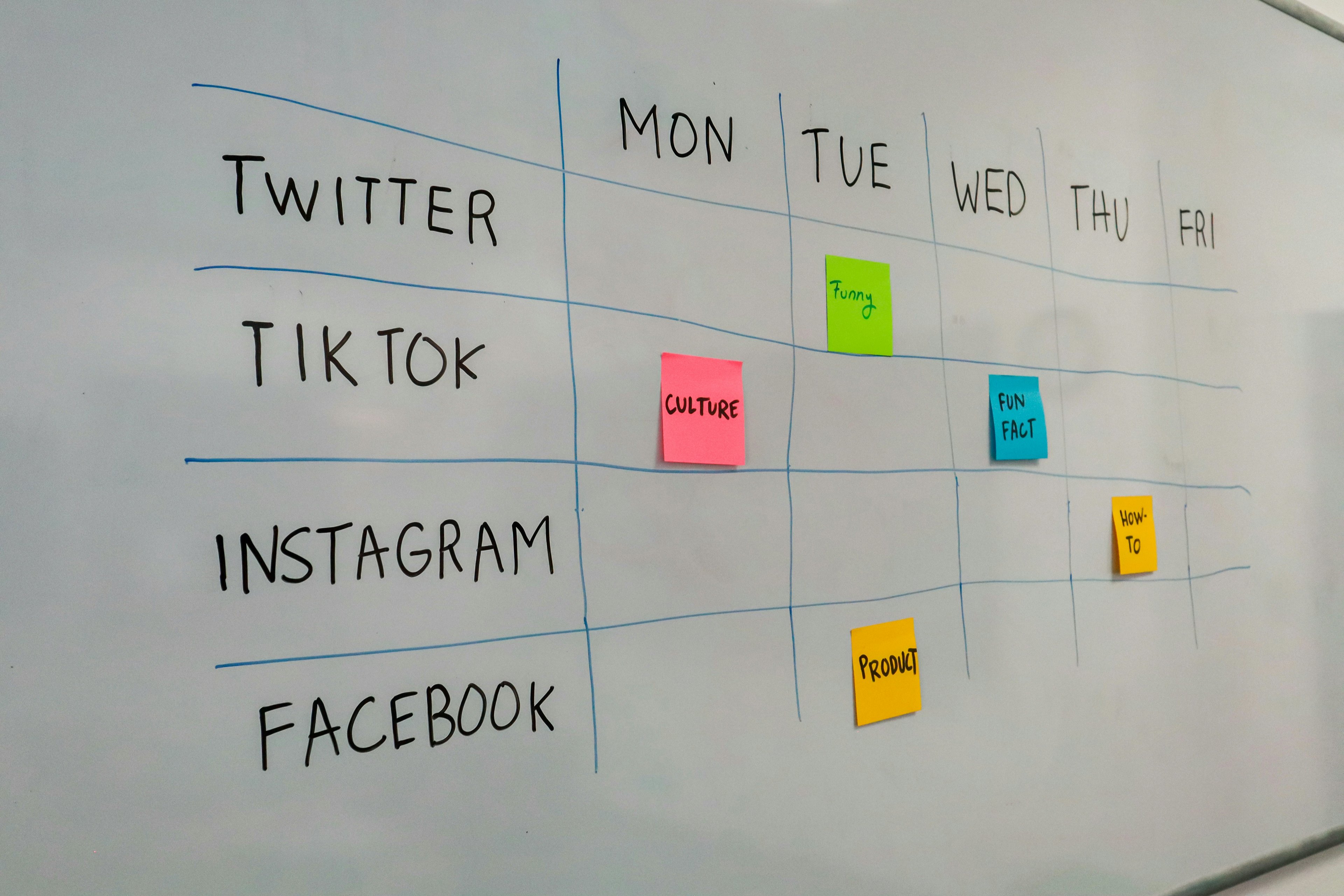
This is where people usually feel overwhelmed, keep it simple. For each campaign or launch, ask: what goes out, and where?
Instagram: feed posts, stories, reels
TikTok: short-form videos, trends
Email: teaser, launch, follow-up
Website: banners, featured products, landing pages
You don’t need to plan every caption in advance. Just know roughly when something goes out. Details can come later.
If TikTok and Reels are part of your strategy (they really should be), check out our tips on creating engaging fashion reels for Instagram and TikTok, it’s full of practical ideas you can use right away.
Don’t forget the boring but important stuff
Warehouse arrivals. Merch updates. Homepage refreshes. Not glamorous, but essential. Nothing kills the buzz of a launch like a product live on Instagram but still marked out of stock on your website.
Keeping it manageable without losing your mind
Here’s the thing nobody says enough: a complicated system is a system you’ll abandon by week three.

A few habits that actually help:
Do a weekly reset. Every Friday, spend 15–20 minutes looking at what’s coming next week. Make sure nothing’s missed, and move anything that needs moving. Small habit, huge impact your Mondays will feel completely different.
Colour-code, but keep it simple. Launches in one colour, content in another, admin in another. More than four or five categories? Your calendar turns into a rainbow you can’t actually read.
Give yourself permission to change it. A calendar is a plan, not a contract. Life happens, stock gets delayed, a trend pops up, or you just need to shift things around. That’s okay. Flexibility is part of the system.
Batch your creative work. Film all your TikToks in one session, write emails in one go, record voiceovers together. Switching contexts is exhausting. Batching is one of the easiest ways to get more done in less time.
The tools and the honest take on each
You don’t need to spend a fortune to have a system that actually works. Here’s what most small business owners find useful:
Google Calendar: Free, flexible, and integrates with pretty much everything. Perfect for colour-coding and sharing with a small team. Honestly, for most people, this is all you really need.
Apple Calendar: Super smooth if you’re all-in on Apple. Clean, simple, but not the strongest for team collaboration.
Microsoft Outlook Calendar: Great if you’re already deep in the Microsoft ecosystem. Combines email and scheduling in one spot.
Clockify: Free time tracking that shows you where your hours actually go (not just where you think they go). The difference can be eye-opening.
Worklytics: Analytics-heavy, better for growing teams. Not necessary to start with, but worth considering as you scale.
Other helpful tools? Calendly makes booking meetings painless, and a social scheduler like Later or Buffer saves you from posting manually every single day.
The bit everyone skips: auditing your own time
Planning what you’re going to do is one thing. Understanding what you actually did is another.
Every few weeks, look back at your calendar and be honest. Where did your time really go? Were you busy but not productive? Lots of emails, lots of calls, not much output? Did certain tasks keep getting pushed because they never had protected time?
This isn’t about being hard on yourself. It’s about spotting patterns. When you notice them, you can adjust.
Tools like Clockify can help here. Even tracking your time for a couple of weeks can be surprisingly revealing, the kind of I’ve been spending six hours on something that should take two moment that changes how you plan going forward.
The goal is simple: make sure the work that actually grows your business product development, content, customer experience has real space in your calendar. Not just whatever’s left over after everything else.
If you’re focused on growing your store, we’ve shared more on increasing sales for online clothing brands. But here’s the honest part: most growth strategies only work if you have the time and headspace to execute them properly.
And that starts with knowing where your time is actually going.
One Last Thing
Consistency isn’t about motivation, it’s about structure. The brands that grow aren’t the most creative, they’re the most prepared.
If you don’t have a marketing calendar yet, don’t start with the whole year. Start with the next 30 days. Open your calendar, block your next launch, and work backwards from there.
That’s the system. Not complicated. Not glamorous. Just intentional. And when your marketing stops surprising you, your sales stop surprising you too.
FAQ
Q: How far ahead should I be planning my marketing calendar?
For day-to-day content, four to six weeks is a sweet spot detailed enough to be useful, not so far out that things keep changing. For big moments like Black Friday or seasonal launches, eight to twelve weeks is more realistic. The earlier you lock in the big stuff, the less stressed you'll be when it actually arrives.
Q: I'm a one-person business. Is a marketing calendar overkill for me?
If anything, it matters more when you're solo. There's no team to catch what falls through the cracks. A simple calendar even just a Google Calendar with colour-coded events means you're not holding everything in your head all the time. That mental relief alone is worth it.
Q: What's the difference between a content calendar and a marketing calendar?
A content calendar is specifically about what you're posting and when. A marketing calendar is the bigger picture, it includes your launches, promotions, stock timelines, website updates, and content all in one place. Your content calendar sits inside your marketing calendar, not the other way around.