15 Tips for AI product photography
Learn 15 AI product photography tips to improve your ecommerce visuals, boost conversions, and create professional images without a studio.
Most product photos don't fail because of the product. They fail because of weak visuals bad lighting, generic backgrounds, images that look like everyone else's.
AI has changed what's possible. You no longer need a studio, a photographer, or a big budget to create images that look premium. But the tool is only as good as how you use it.
These 15 tips are built around one question: why do AI product photos underperform and how do you fix that before it costs you sales.
Why your input kills the output
Most people blame the AI when results look off. The real problem usually happened before they hit generate. What you put in determines everything and these five mistakes happen at the input stage.
1. Start with a clean, well-lit base image
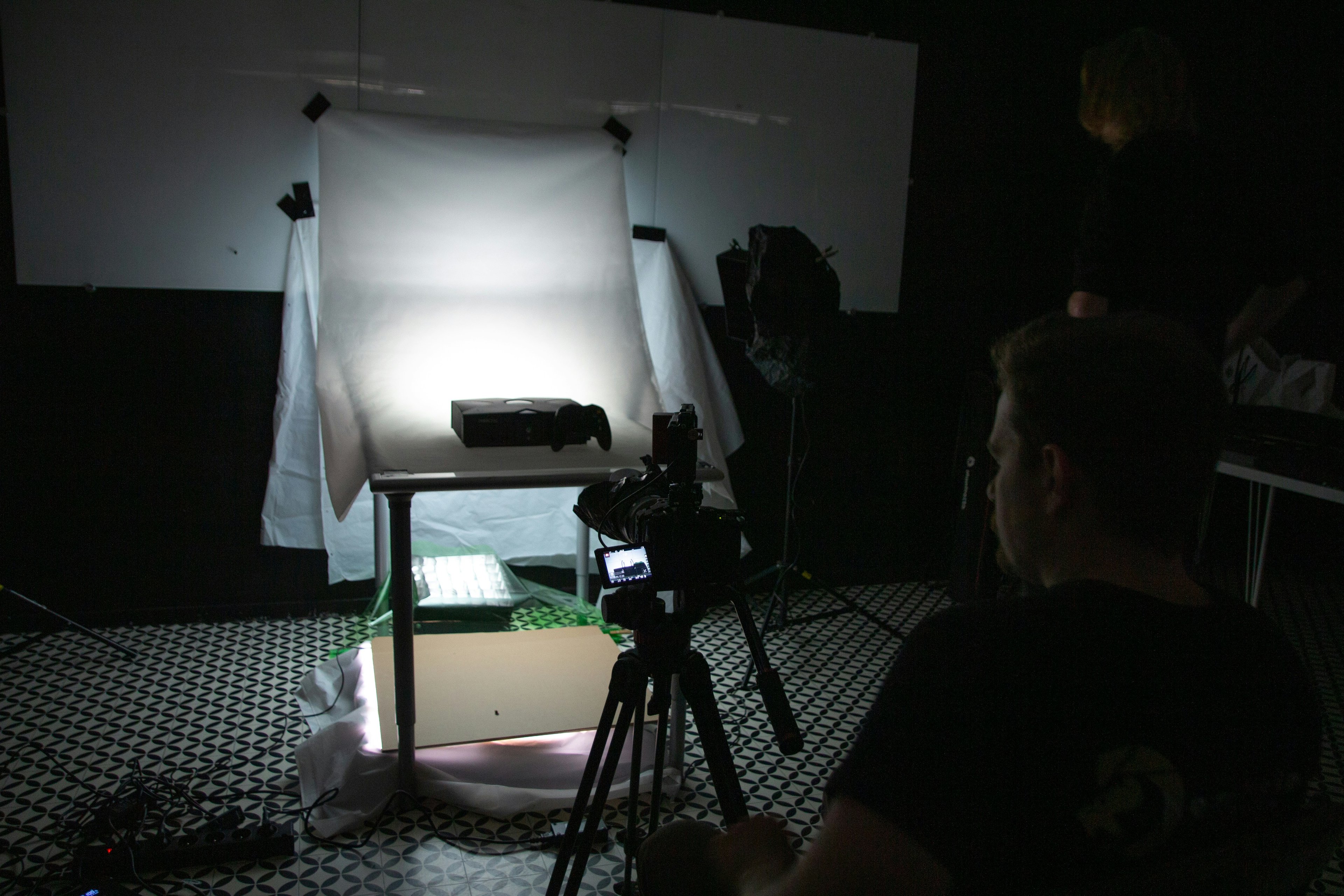
AI can enhance a photo, but it can't fix a bad one. Blurry edges, harsh shadows, or uneven lighting in your base image will show up often worse in the final result. Before anything else, make sure your product is shot against a neutral background with consistent light. Think of it as the foundation everything else is built on because what makes a great product photo is the same whether AI is involved or not.
2. Keep the product as the hero
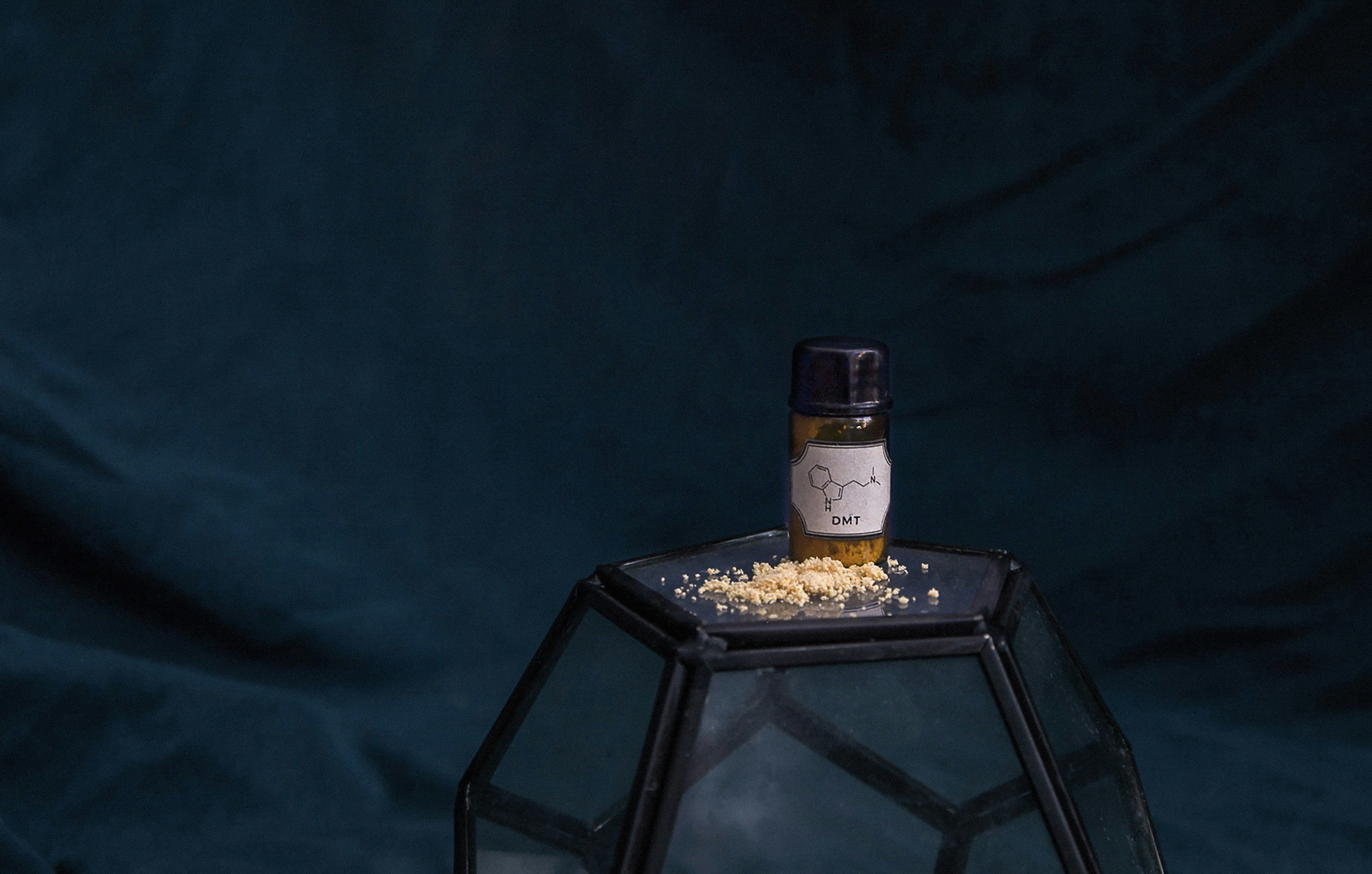
The moment something else competes for attention, a prop, a texture, a busy background, you've lost the viewer. AI tools work best when the product is isolated and dominant. If your base image has too much going on, crop it down before you upload. Adobe's product photography basics is a solid reference for framing fundamentals.
3. Match your aspect ratio to the platform
A square image built for a website product page won't perform the same way on a TikTok ad or an Instagram Story. Before generating, know where the image is going 1:1 for most e-commerce listings, 4:5 for Instagram feed, 9:16 for Stories and TikTok. Getting this wrong means cropping after the fact, which often cuts off exactly what mattered.
4. Use a simple background
Busy backgrounds reduce clarity and trust. When a customer lands on your product page, they need to understand what they're looking at in under two seconds. Research from Nielsen Norman Group shows users scan product images before they read a single word which means visual clarity isn't aesthetic, it's functional. Start simple. Let the AI do the rest.
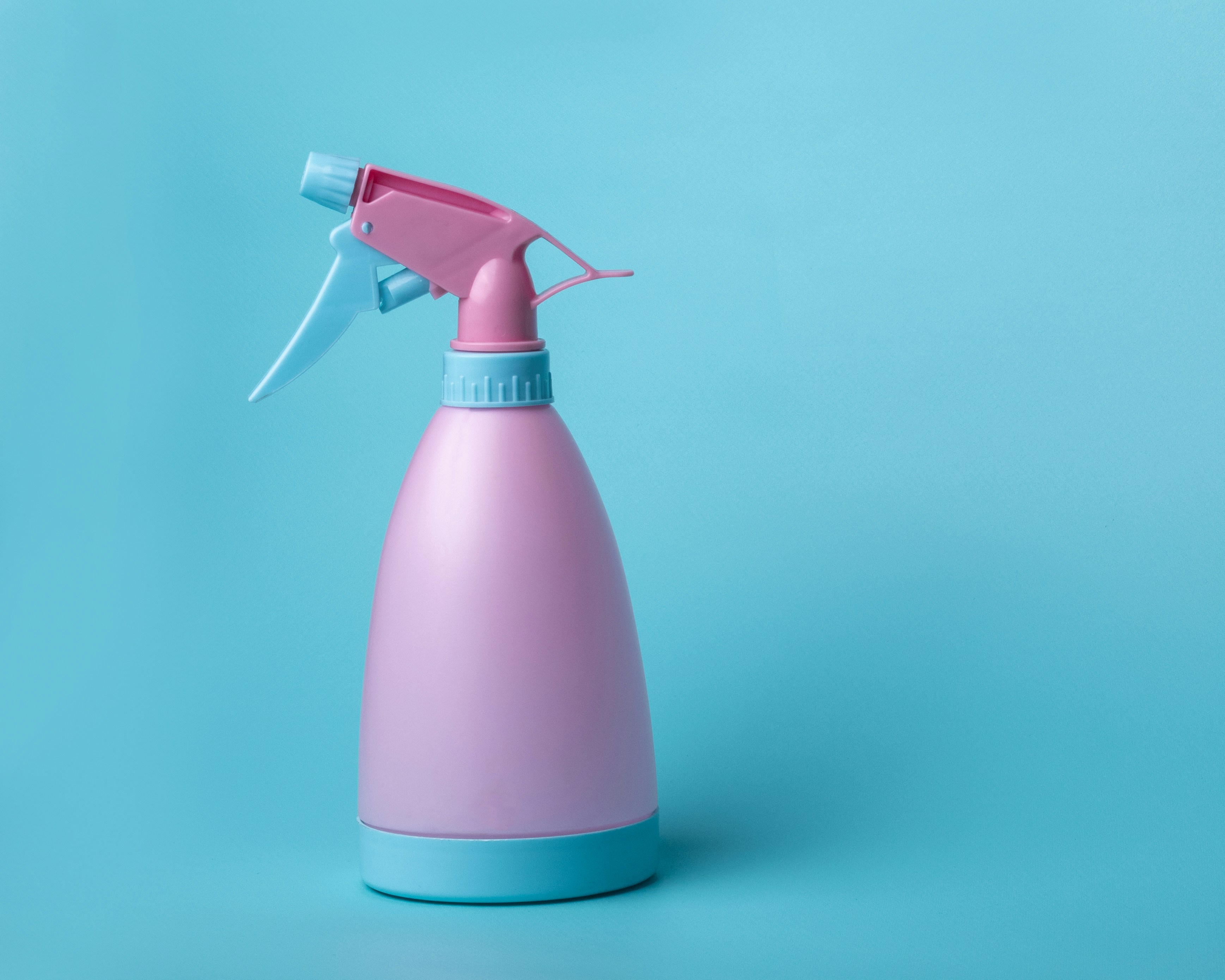
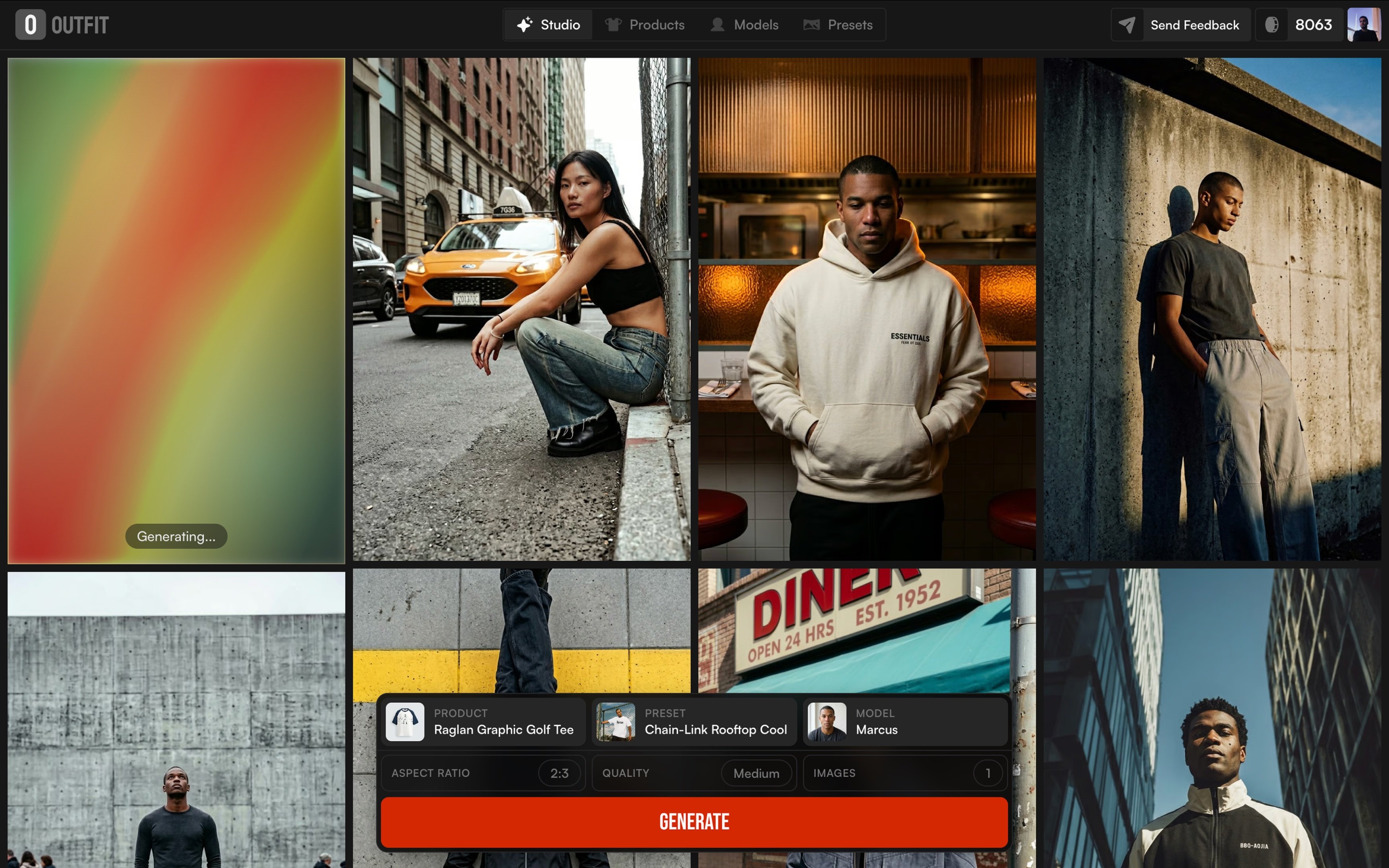
5. Make sure your lighting direction is consistent
This is the most overlooked input mistake. If the light in your product photo comes from the left but the AI places it in a scene lit from the right, the result looks fake immediately even to people who can't articulate why. Before generating a scene, look at where shadows fall in your base image and choose backgrounds that match. The 12 essential product shot types is a useful reference for how lighting logic shifts across different formats.
Why it looks fake
6. No style direction = no brand
Minimal, warm, editorial, bold, pick one before you generate anything. Images with no clear aesthetic direction never look cohesive, no matter how good the tool is. The decision starts with knowing what your brand actually looks like before you open any tool.
7. One warm image, one cool image, that's two brands
Color consistency is how customers recognize you without reading your name. Pick two or three colors and make sure every image lives within that range.
8. Context that means nothing sells nothing
Ask yourself: does this scene tell the customer something about their life with this product? If the answer is no, it's decoration and decoration doesn't convert.
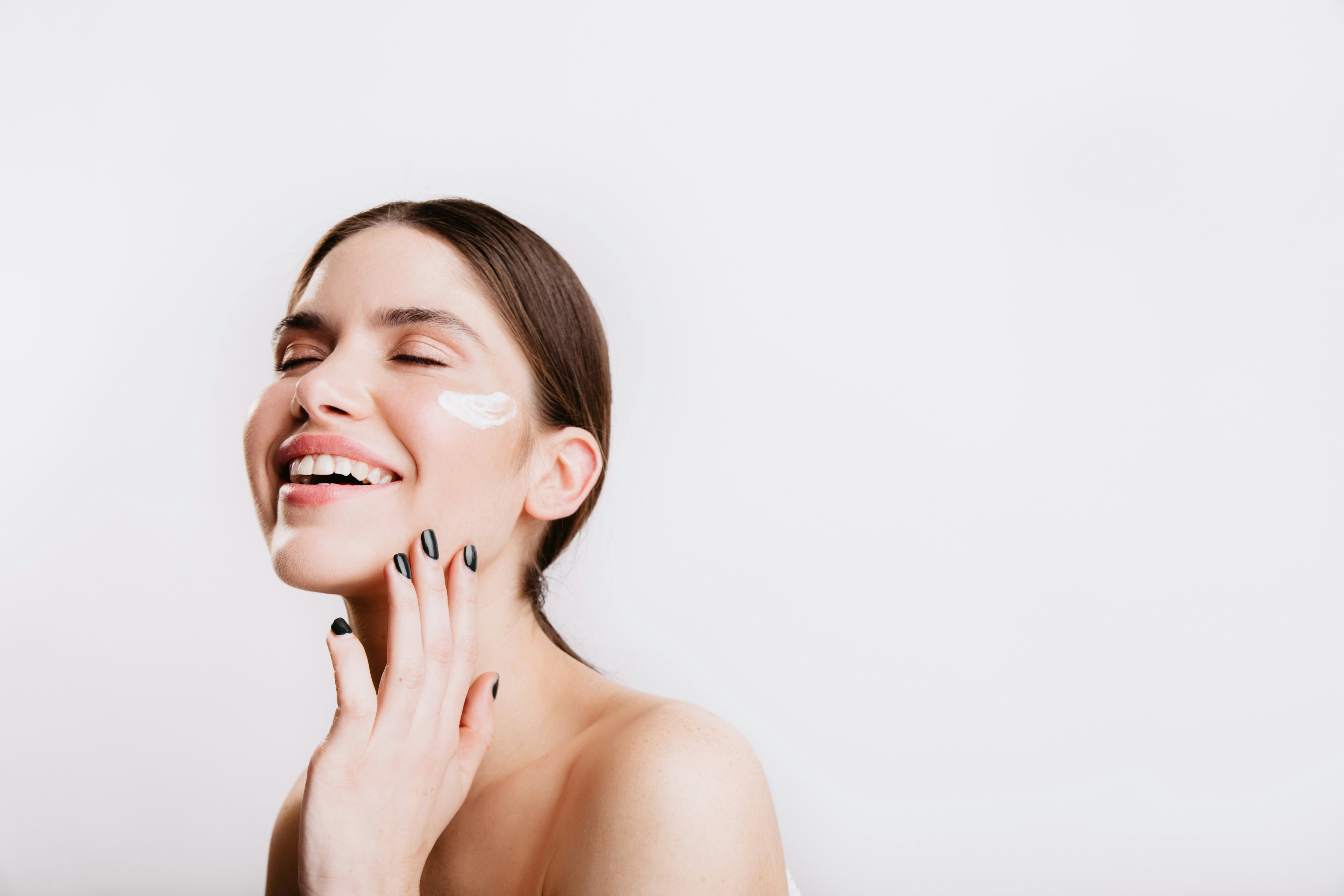
9. The more you edit after generation, the faker it looks
If you're heavily editing the output, the problem is in the prompt or the base image not the final result.
10. Skincare doesn't live in the same world as electronics
Every category has a visual vocabulary customers already associate with quality. Break it and the image feels off before they can explain why.
Why it doesn't convert
Looking good and selling are two different things. These are the five reasons a visually strong image still fails to move product.
11. People buy outcomes, not objects
A folded hoodie on a white background tells you what the product is. A person wearing it on a cold morning tells you why you need it. Showing the product in context consistently outperforms flat lay because customers are buying into a version of their life, not just an item.
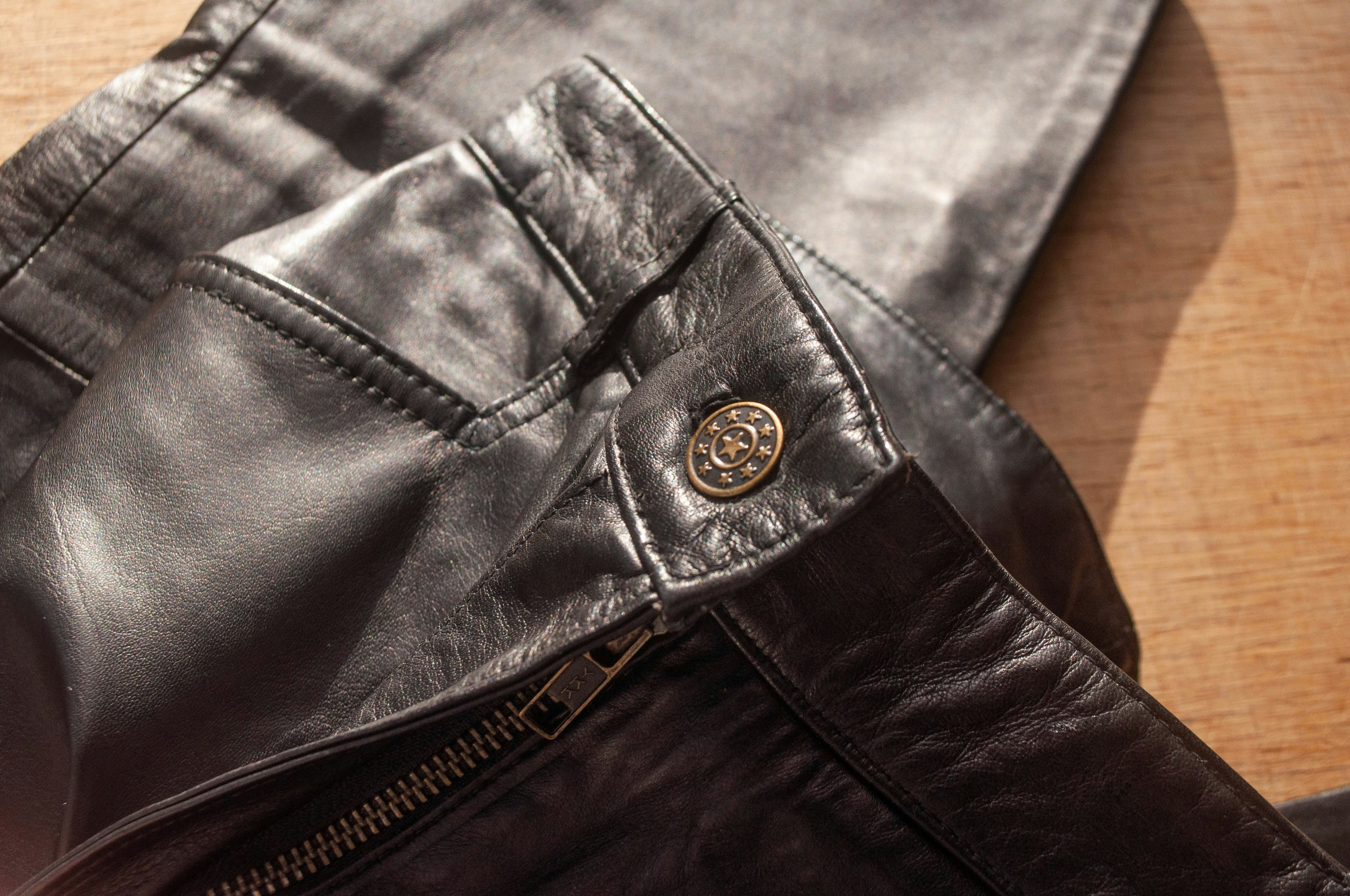
12. If they can't see the detail, they don't trust the quality
Zoom-style visuals stitching, fabric texture, finish, signal craftsmanship before a customer reads a single word of your description. The closer you let them look, the more confident they feel buying without touching.
13. Scale is invisible until it isn't
Customers can't feel size through a screen. A bag, a candle, a piece of clothing without a human hand or a reference object in frame, size is a guess. And guesses lead to returns. Add human context wherever scale matters.
14. A beautiful image of a problem nobody cares about doesn't sell
Every visual should answer one question: what does this product do for me? If the image can't answer that without a caption, it's not working hard enough. The most common mistake brands make is prioritizing aesthetics over clarity and paying for it in conversion.
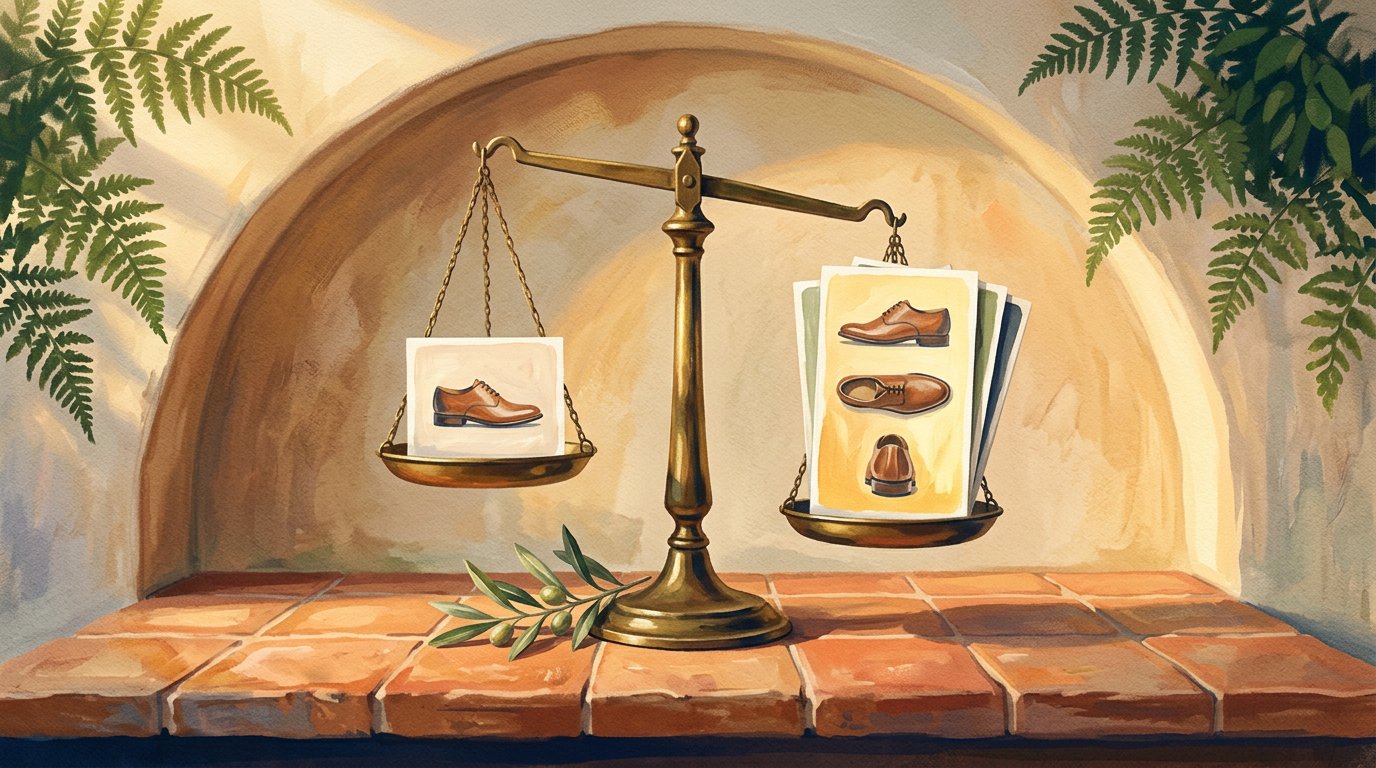
15. One image is a guess. Multiple variations are a strategy
Don't assume you know which angle, background, or scene performs best. Generate variations, test them, and let the data decide. The brands with the best-performing visuals aren't the ones with the best taste, they're the ones who iterate fastest.
The bottom line
Great visuals are no longer about budget. They're about decisions made before you hit generate, not after.
The brands winning on product imagery right now aren't outspending anyone. They're being more intentional: cleaner inputs, clearer style direction, images built to answer a customer's question before they think to ask it.
AI gives you the tool. These 15 tips give you the framework. What you do with both is what separates a product photo from a product photo that sells.