How to make professional cosmetics and skincare photos with AI
Create professional cosmetics and skincare photos with AI using simple steps, smart visual directions, and the right photoshoot features to fit your brand.
Taking great photos for cosmetics and skincare isn’t just about showing the product. It’s about showing texture, glow, and trust. A cream should look smooth and lightweight. A serum should feel clean and effective. And most importantly, the image has to feel real.
Today, beauty brands need fresh visuals all the time for product pages, campaigns, and social media but traditional photoshoots take time and cost a lot. That’s why many brands are starting to use AI-powered product photography as a faster, more flexible option, similar to how fashion brands already use AI to create product photos more efficiently.
Most teams start with inspiration first. They look at references, lighting styles, and textures often using platforms like Pinterest to explore how beauty products are visually presented. The challenge is turning that inspiration into polished images that stay consistent across every channel.
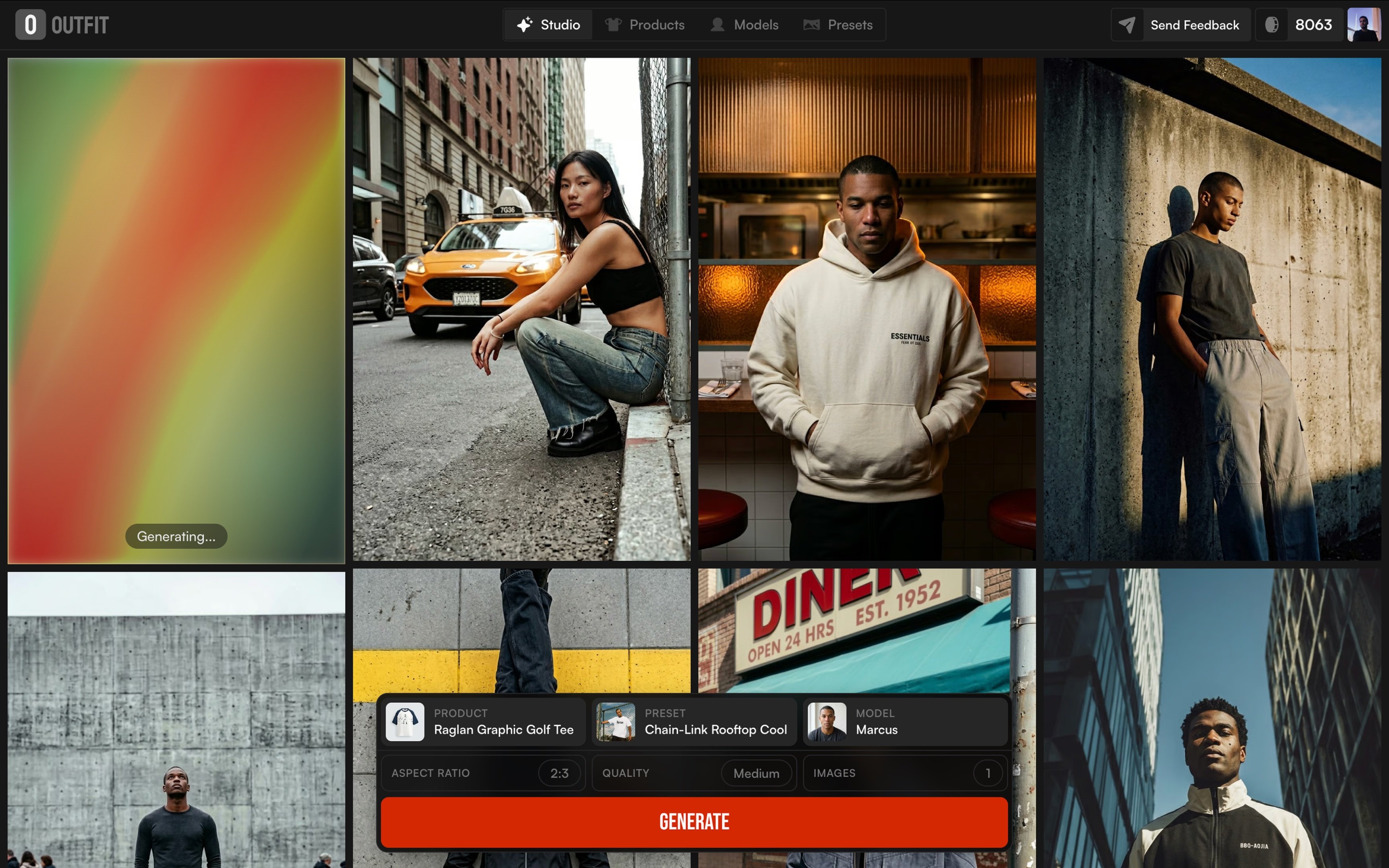
That’s where tools like Outfit come in. With AI photoshoots, brands can turn one product image into a full set of professional visuals without repeating the same shoot again and again.
In this guide, we’ll walk through a simple process to create professional cosmetics and skincare photos with AI, explore three visual directions that work especially well for beauty brands, and show which features to use for each one.
The 3 easy steps to your first AI beauty photo with outfit
Creating professional cosmetics and skincare photos with AI doesn’t have
to be complicated. In fact, the best results vbg3.2usually come from a simple,
clear workflow.
Step 1: Start with a clean product image
Make sure your product photo is clear, well-lit, and distraction-free. For beauty products, this matters even more labels, textures, and packaging details need to be sharp so the final result feels trustworthy.
Step 2: Decide the visual direction
Before generating anything, be clear about the goal. Is this image for a product page, a campaign, or social media? Skincare visuals often need to feel clean and clinical, while makeup can lean more into glow and lifestyle. Having this direction upfront saves time and keeps results consistent.
Step 3: Generate, review, and refine
Once the direction is set, AI tools like Outfit allow you to turn a single image into multiple polished visuals. Review the outputs, pick what fits your brand best.
This process keeps things efficient while still giving you full control over how your products are presented.
3 Visual directions to try with makeup & skincare photos
Not all beauty products should be photographed the same way. A serum doesn’t need the same visual treatment as a lipstick, and a skincare product shouldn’t look like a bold makeup launch. Choosing the right visual direction helps customers instantly understand what the product is about.
Here are three visual directions that work especially well for cosmetics and skincare brands.
1️⃣ Clean & Minimal (Trust-First)
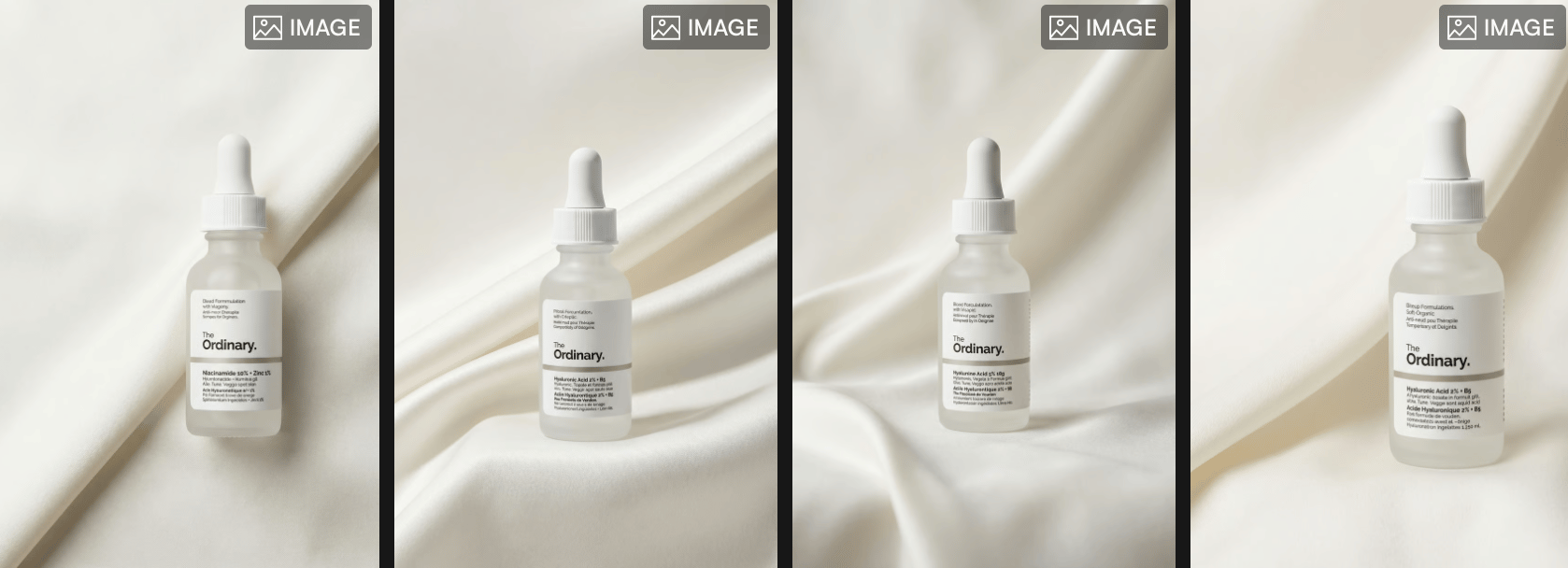
This direction focuses on clarity and trust. Clean backgrounds, soft lighting, and minimal styling help skincare products feel safe, professional, and easy to understand. This style is commonly used for product pages where customers want to clearly see packaging, labels, and formulas.
Many brands use the same approach when they take product photos with AI, especially for clean, minimal visuals that are meant for product pages and marketplaces.
2️⃣ Texture & Ingredient focus
For creams, serums, foundations, and glosses, texture plays a big role in decision-making. Close-up shots of swatches, drops, or ingredient-inspired visuals help customers imagine how the product feels before they try it.
This type of visual inspiration is often explored on platforms like Pinterest, where beauty visuals focus heavily on texture, light, and fine details.
3️⃣ Lifestyle & Glow
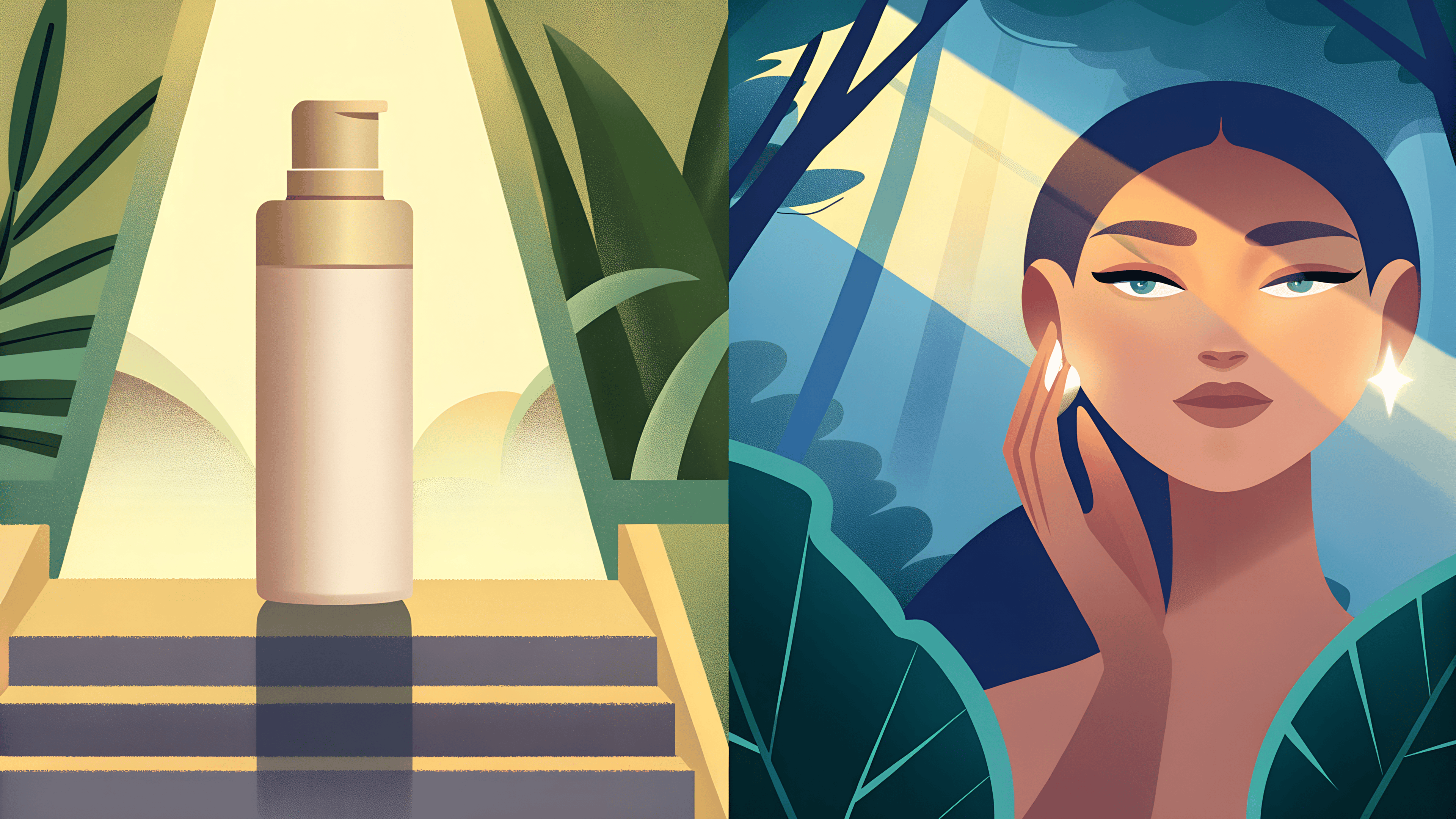
This direction adds emotion and relatability. Products are shown near skin, in use, or in soft lifestyle settings that communicate glow, routine, and everyday beauty. It works especially well for makeup launches, campaigns, and social content.
This approach is similar to the mood-driven visuals explained in 5 AI photoshoot modes every brand should use with Outfit, where context and atmosphere play a key role in engagement.
Which feature to use for each direction?
Once you’ve chosen the visual direction, the next step is knowing which feature to use. Each direction works best with a specific setup, depending on whether your goal is trust, texture, or lifestyle appeal.
Here’s how to match each direction with the right feature.
Clean & Minimal ( Product Only )
For clean and clinical visuals, the Product Only feature works best. It keeps the focus entirely on the packaging, label, and shape of the product, without distractions.
This setup is ideal for:
Product detail pages
Marketplaces
Skincare brands that prioritize clarity and trust
Many brands rely on this approach when they create visuals meant for conversion, similar to the standards discussed in the best AI product photography tools for e-commerce brands.
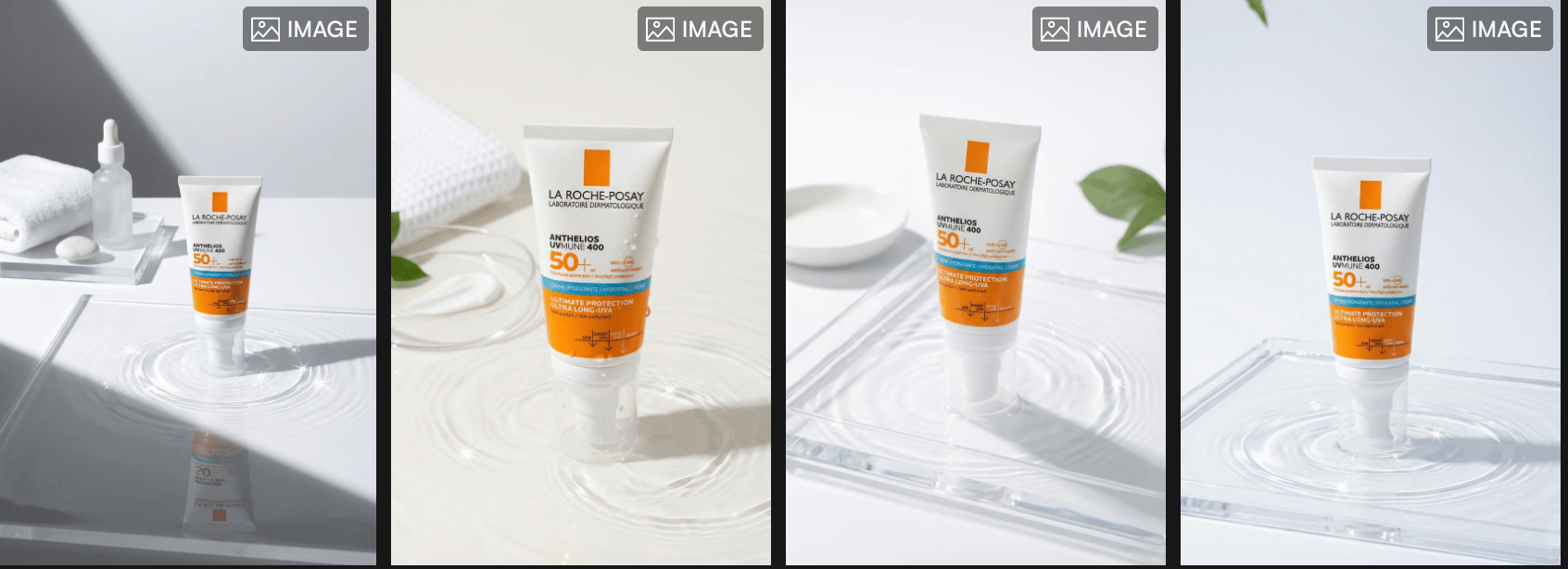
Texture & Ingredient Focus (Product in Scene)
When texture is the story, the Product in Scene feature gives you more flexibility. It allows you to place the product in ingredient-inspired or texture-driven environments, like liquid drops, cream swatches, or soft surfaces.
This feature works well for:
Serums and creams
Makeup textures
Campaign and storytelling visuals
It’s often used alongside inspiration found on Pinterest, where beauty brands explore how ingredients and textures are visually expressed.
Lifestyle & Glow (On model / In use)
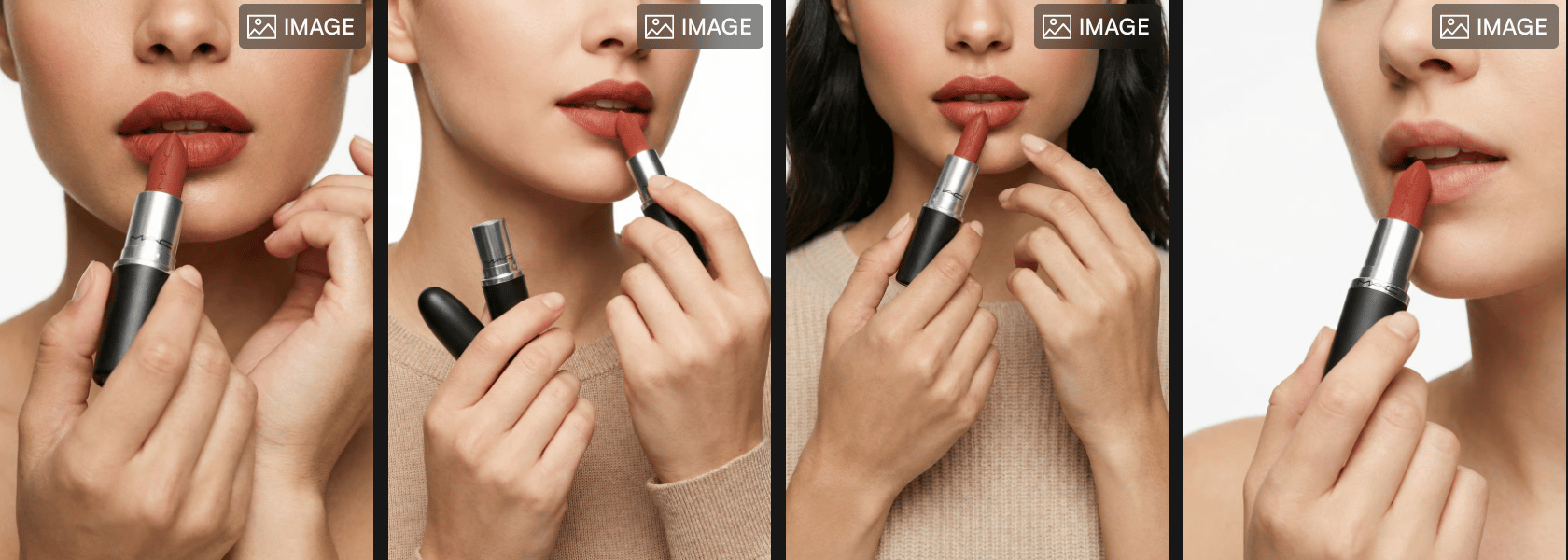
For lifestyle and glow-focused visuals, On Model or In Use features help bring the product closer to real life. Showing makeup on skin or skincare near the face adds relatability and emotional connection.
This direction works best for:
Makeup launches
Social content
Campaign visuals
It follows the same logic behind fashion and beauty brands using people-led visuals, as explained in 5 AI photoshoot modes every brand should use with Outfit.
Bringing it all together
Most beauty brands don’t rely on just one feature. They mix Product Only, Product in Scene, and On Model depending on where the image will be used and what message it needs to deliver. Tools like Outfit make it possible to switch between these features using the same product image, without repeating the entire process.
Final thoughts
Great beauty visuals aren’t about doing everything, they’re about choosing the right approach. When the visual direction matches the product and the goal, content feels clearer, stronger, and more consistent.
AI photoshoots make it easier to turn one product image into multiple visuals for product pages, campaigns, and social media. Clean shots build trust, texture-focused visuals highlight details, and lifestyle images create connection. Each one works best when used with intention.
The real value is flexibility. Brands can adapt their visuals for different channels and seasons without extra time, cost, or complexity.
If you want a faster, simpler way to create professional beauty visuals, AI photoshoots make it possible, all starting from a single image.