5 AI Fashion Photoshoot Modes Every Brand Should Use with Outfit
Explore five AI photoshoot modes fashion brands use with Outfit to create consistent visuals, build trust, and scale content faster.
In fashion, visuals aren’t just about looking good. They’re about showing the right product in the right way, at the right time. Not every item needs the same type of image, and not every brand should use the same photoshoot style. What matters is choosing a mode that fits the product, the season, and the brand itself.
Fashion moves fast. Collections change often, trends shift quickly, and brands need fresh visuals without the cost and effort of traditional photoshoots. That’s why AI photoshoots have become a practical choice for many fashion teams.
Most brands already start with inspiration, moodboards, references, and visual direction. The real challenge comes next: turning that direction into visuals that work across websites, campaigns, and social media.
That’s where photoshoot modes make the difference. Each mode serves a different purpose, whether it’s branding, lifestyle storytelling, or conversion. When used intentionally, they help brands stay consistent, adapt to seasons, and scale content without extra complexity.
In this guide, we’ll walk through five AI photoshoot modes that actually work for fashion brands and show how they fit into real workflows using Outfit.
1️⃣ On model
This is where fashion brands stop looking like catalogs and start looking like brands.
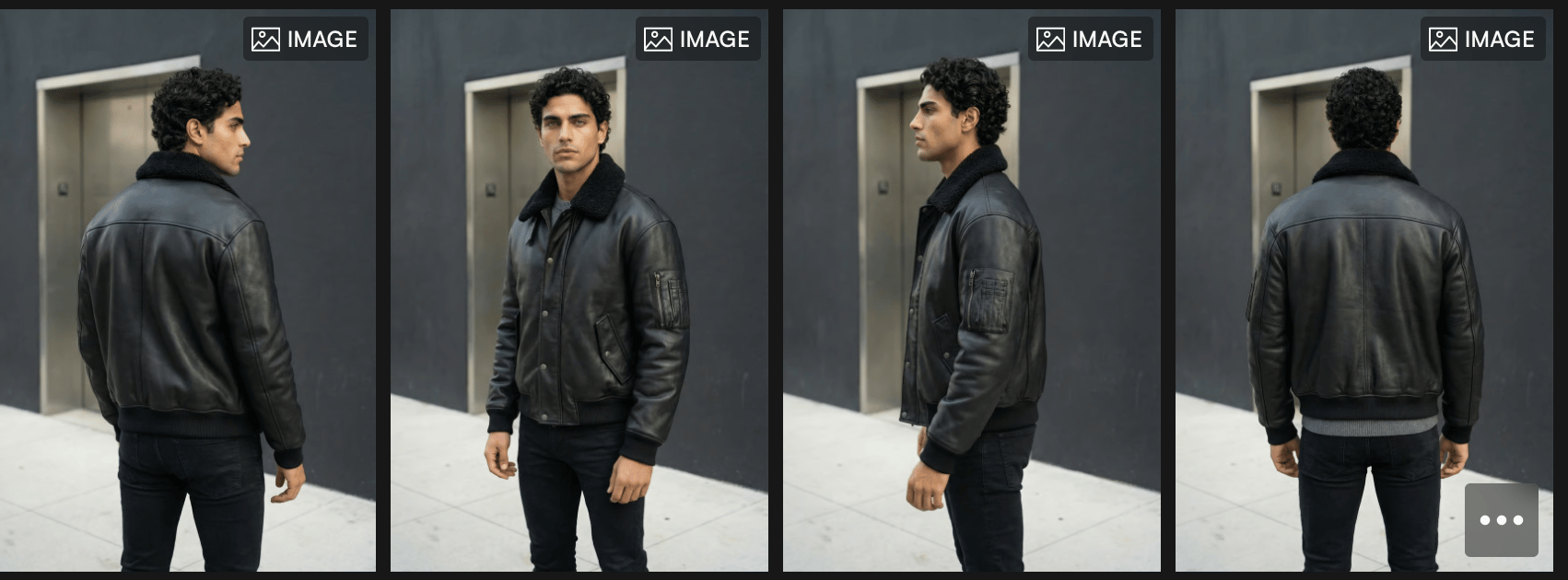
On-model visuals work because fashion has always been about identity, not just the product itself. Seeing a piece worn on a real person adds context, attitude, and emotion, things flat product shots simply can’t communicate.
When this mode works best
Collection launches
Lookbooks
Brand website hero sections
High-level brand storytelling
This is the mode that sets the tone. It tells your audience who the brand is before they even focus on what the product is.
Why it’s fashion-first (not just e-commerce)
On-model shots create a connection. They allow customers to imagine themselves in the piece, understand proportions, and feel the brand’s personality. That’s why this mode is often used at the top of the funnel, where perception matters more than specifications, a point frequently discussed in fashion industry analysis on Vogue Business.
Best practice inside Outfit
To keep this mode clean and scalable:
Choose models with neutral expressions to avoid overpowering the product
Use Editorial or Professional aesthetics
Stick to simple settings like Grey Studio, Concrete Studio, or Gallery-style spaces
This keeps the focus on the garment while still delivering a fashion-driven look.
The strategic value
Brands that rely heavily on this mode tend to feel more intentional and premium. It’s not about volume, it’s about setting a visual standard that everything else can build on.
Think of this mode as your brand anchor.
Everything else, lifestyle, campaigns, UGC works better once this foundation is clear.
A Model that actually fits your brand
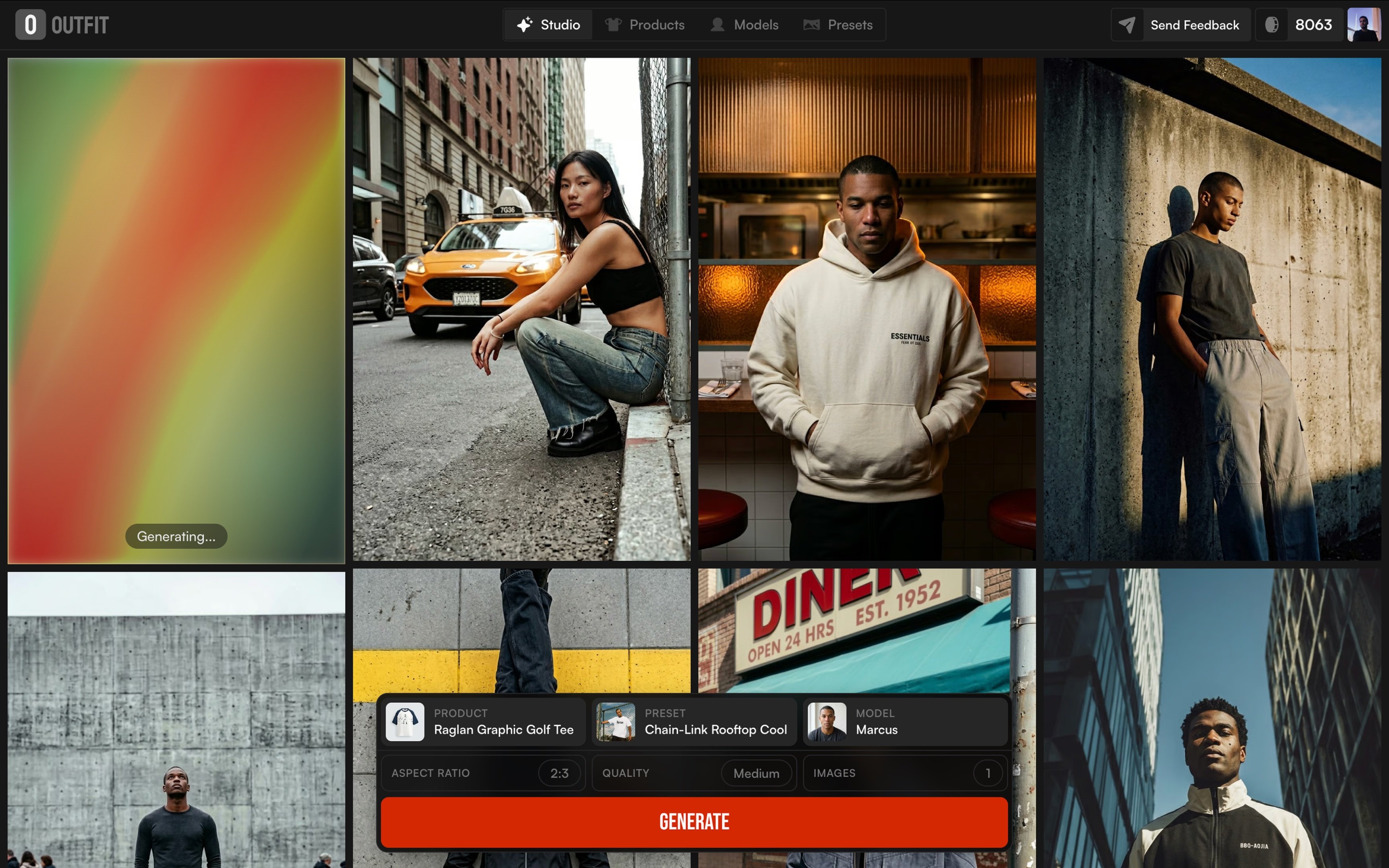
Great on-model visuals start with the right person, not just the right pose. With Outfit, brands aren’t locked into one generic model or forced to adjust their identity to fit what’s available. Instead, they can shape the model itself to match their brand from age and body type to overall look and presence.
This makes a big difference in how the product is perceived. The same piece can feel minimal, bold, casual, or premium depending on who’s wearing it. By choosing a model that reflects the brand’s audience and tone, on-model visuals feel more natural, consistent, and intentional.
Rather than creating one-off images, brands can build a visual system that carries across collections, campaigns, and seasons without losing identity or starting from scratch every time.
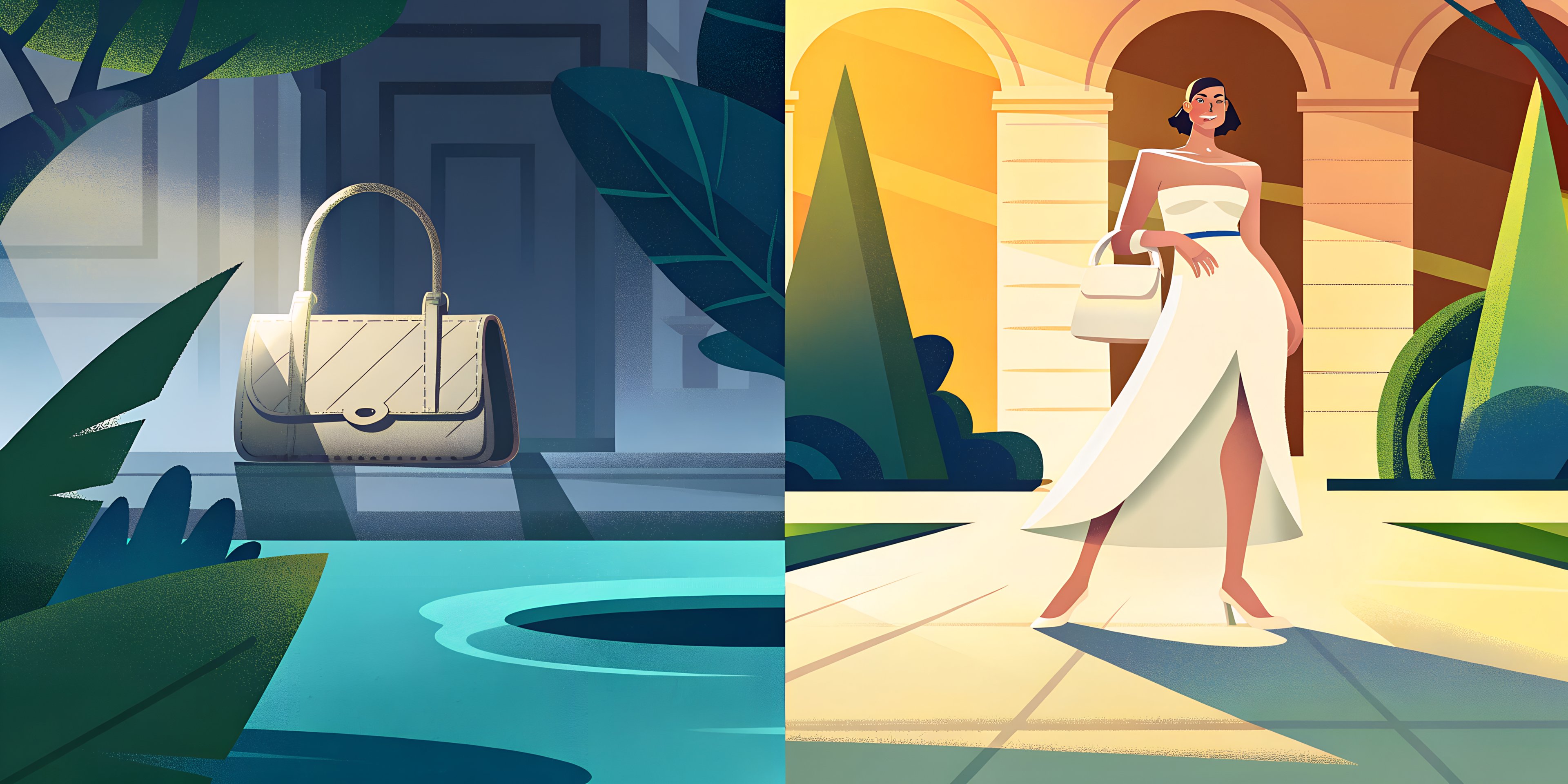
2️⃣ Product in scene (Mood-Driven)
This is where fashion visuals stop explaining the product and start creating desire.
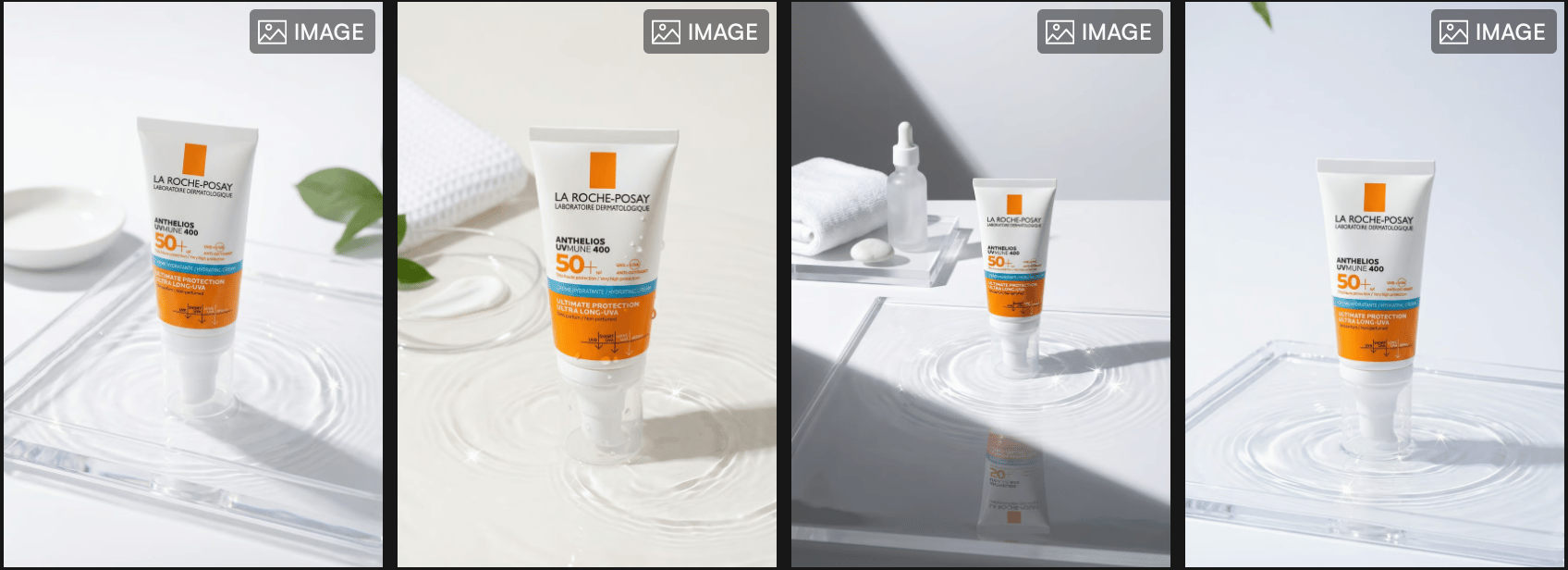
Product-in-scene visuals aren’t about how an item looks on its own, they’re about how it feels in a specific world. The setting, lighting, and atmosphere do the storytelling, while the product becomes part of a larger mood.
This mode works especially well for campaigns, drops, and seasonal content, where emotion matters more than detail. A summer piece placed in a beach scene communicates something very different from the same item styled in an urban or indoor setting. Platforms like Pinterest consistently show how people engage with visuals based on mood and context, not just the product itself.
When this mode works best
Campaign visuals
Seasonal drops
Social-first creative
Paid ads built around mood
Best practice inside Outfit
With Outfit, brands can change scenes without reshooting the product:
Beach or daylight scenes for summer and resort collections
Indoor or muted settings for winter and transitional seasons
Minimal or industrial environments for streetwear and modern brands
The key is choosing scenes that reflect the brand’s identity, not just what looks visually appealing.
The strategic value
Product-in-scene visuals create aspiration. They help audiences imagine the product as part of a lifestyle, not just an item for sale. When paired with strong on-model visuals and supported by UGC, this mode becomes one of the strongest tools for building desire and campaign impact.
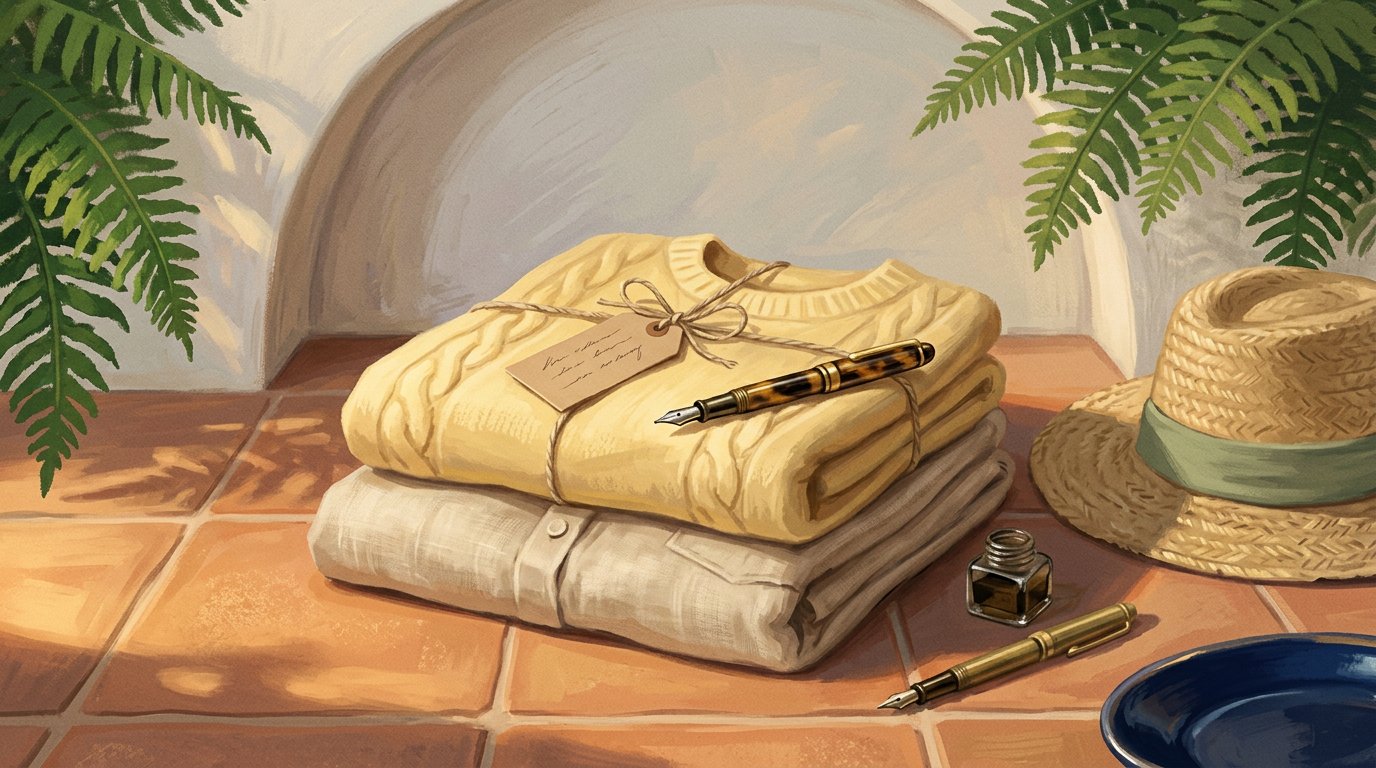
3️⃣ Flat Lay
Flat lays aren’t about arranging products neatly, they’re about communicating taste through styling.
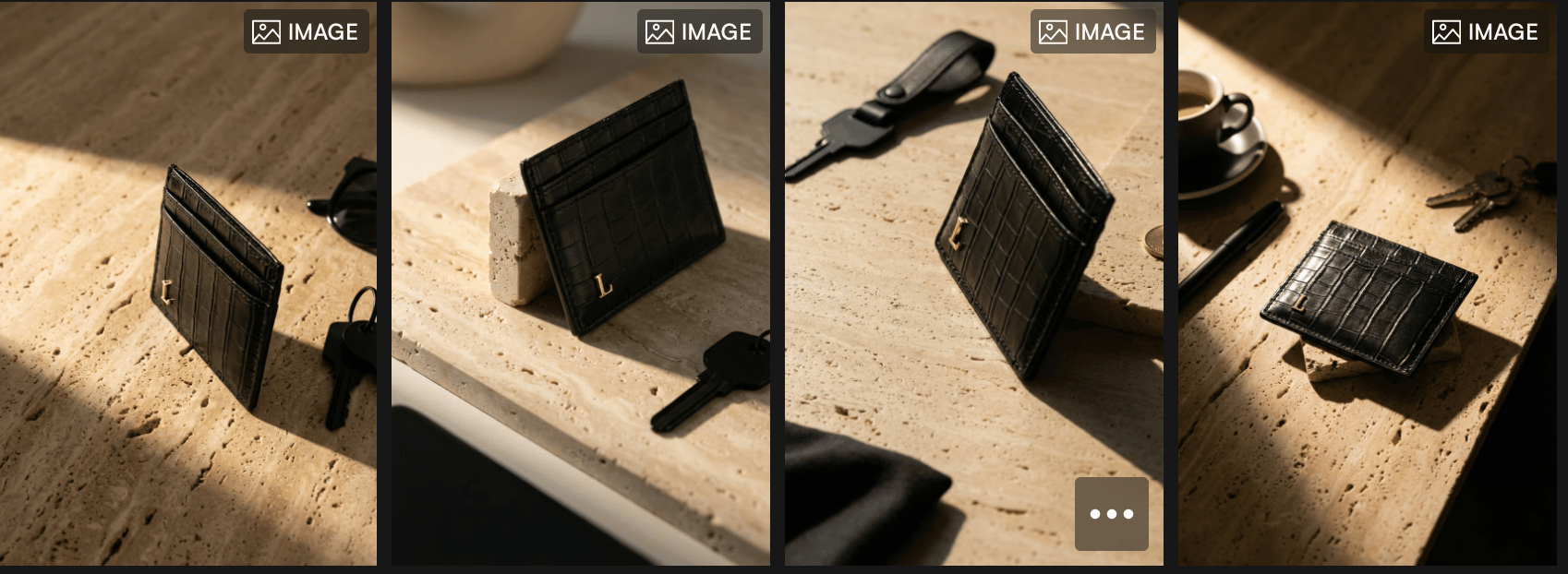
This mode strips away distractions and puts the focus on details: textures, colors, materials, and how pieces relate to each other visually. When done right, flat lays feel intentional and editorial, not static or catalog-like.
Flat lays work best when brands want to highlight craftsmanship, accessories, or product details that might get lost on a model. They’re especially effective for social grids, collection breakdowns, and product storytelling, where composition and color harmony matter. That’s why many designers still rely on platforms like Pinterest to explore flat-lay styling ideas and visual balance.
When this mode works best
Accessories and details
Collection storytelling
Instagram grids and carousels
Supporting visuals alongside on-model shots
Best practice inside Outfit
Using Outfit, brands can keep flat lays clean and consistent:
Stick to minimal styling and controlled color palettes
Use soft shadows and balanced spacing
Treat flat lays as a styling exercise, not just product placement
This keeps visuals aligned with the brand’s overall system while giving space for details to stand out.
The strategic value
Flat lays add depth to a visual strategy. They don’t replace on-model or mood-driven shots, they support them. Used intentionally, they help brands tell a more complete story and maintain visual cohesion across channels.
4️⃣ Product only
This mode is the most functional and the least expressive.
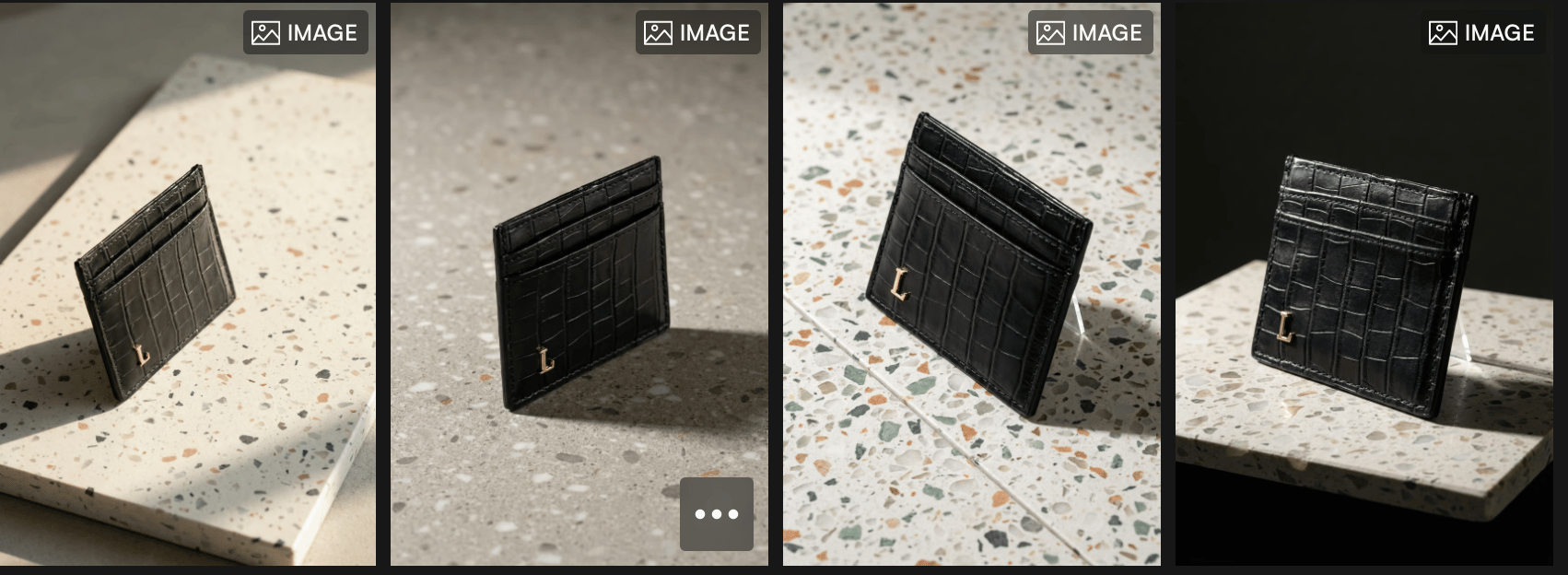
Product-only visuals focus purely on the item itself, without models, context, or mood. They’re clean, direct, and designed to show shape, color, and construction as clearly as possible. While they’re not the most fashion-forward, they play an important role in the buying journey.
This mode works best when clarity matters more than storytelling. Customers scrolling through marketplaces or product pages want to see exactly what they’re getting, without distractions. That’s why product-only shots are still a standard requirement for PDPs and e-commerce environments especially when consistency and comparison are key, a practice commonly reflected across e-commerce standards discussed on platforms like Shopify.
When this mode works best
Product detail pages (PDPs)
Marketplaces
Size, color, and variation clarity
Supporting shots within a larger visual set
Best practice inside Outfit
With Outfit, product-only visuals should stay simple:
Use clean white or light grey backgrounds
Keep lighting neutral and even
Avoid overusing this mode in social or campaign content
Product-only images work best when they support stronger visuals, not replace them.
The strategic value
This mode builds confidence. It reassures customers by removing ambiguity and showing the product exactly as it is. When paired with on-model, mood-driven, and UGC visuals, product-only shots complete the system handling clarity while other modes handle emotion and desire.
5️⃣ UGC (User-generated content as a supporting layer)
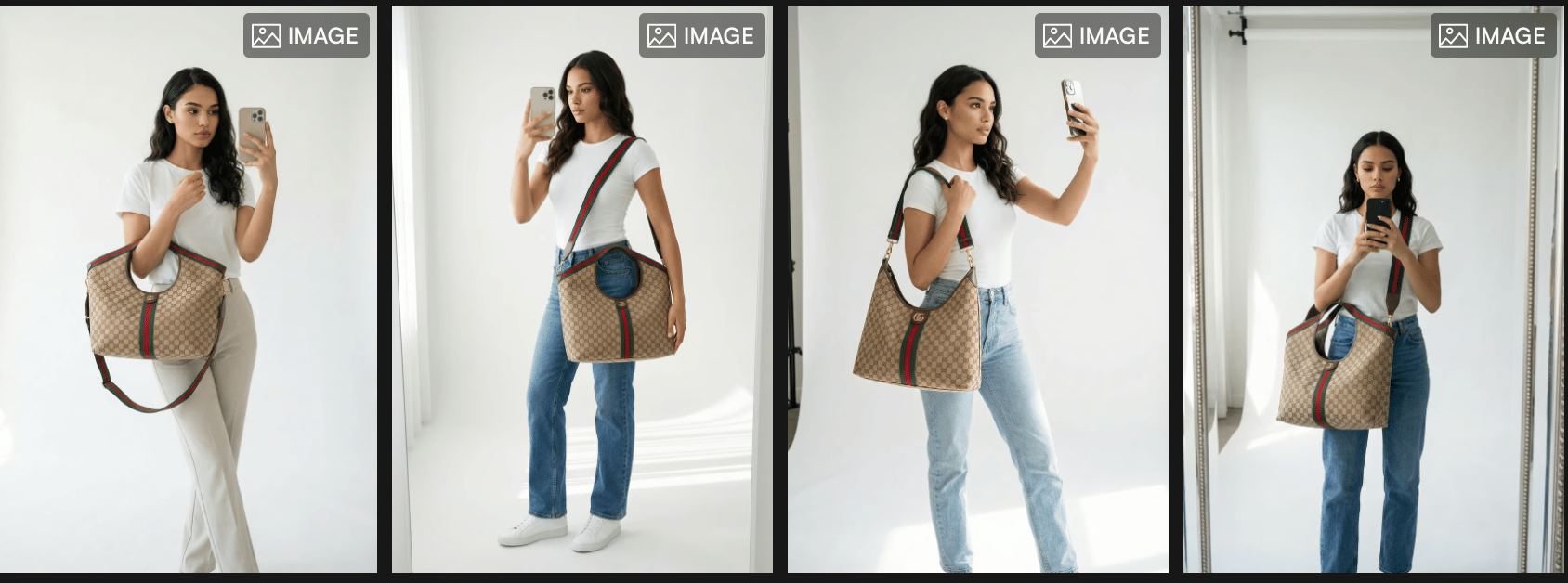
In fashion, UGC works because it shows products in real situations, worn by real people, without the pressure of perfection. It adds a layer of authenticity that highly produced visuals can’t always deliver on their own.
That’s why many brands use UGC after establishing their core visual identity. Once the brand look is clear through editorial and on-model visuals, UGC helps reinforce trust and relatability especially across social media and performance-driven channels.
UGC content performs particularly well on platforms like TikTok, where audiences respond better to content that feels natural, spontaneous, and unfiltered rather than overly staged.
When UGC works best
Social media content
Paid performance ads
Trust-building and social proof
Lower-funnel conversion moments
Best practice inside Outfit
When integrating UGC-style visuals with Outfit, brands should treat UGC as a supporting layer, not a replacement:
Use it alongside strong on-model or lifestyle visuals
Keep lighting and product representation consistent
Avoid making UGC the first visual impression of the brand
This balance allows brands to benefit from authenticity without sacrificing visual coherence.
The strategic value
UGC humanizes the brand. It helps customers see how products fit into everyday life while reinforcing confidence before purchase. When used intentionally, it complements high-end visuals instead of competing with them.
How to choose the right mode for your brand
Choosing the right photoshoot mode isn’t about what looks impressive, it’s about what serves your brand at its current stage.
Start by asking one simple question: What do we need this visual to do?
If the goal is to define identity and make a strong first impression, on-model visuals usually come first. If the focus is trust and relatability, UGC plays a bigger role. When you’re launching a campaign or seasonal drop, mood-driven scenes help create desire. And when clarity matters especially on product pages, clean product-only shots do the job.
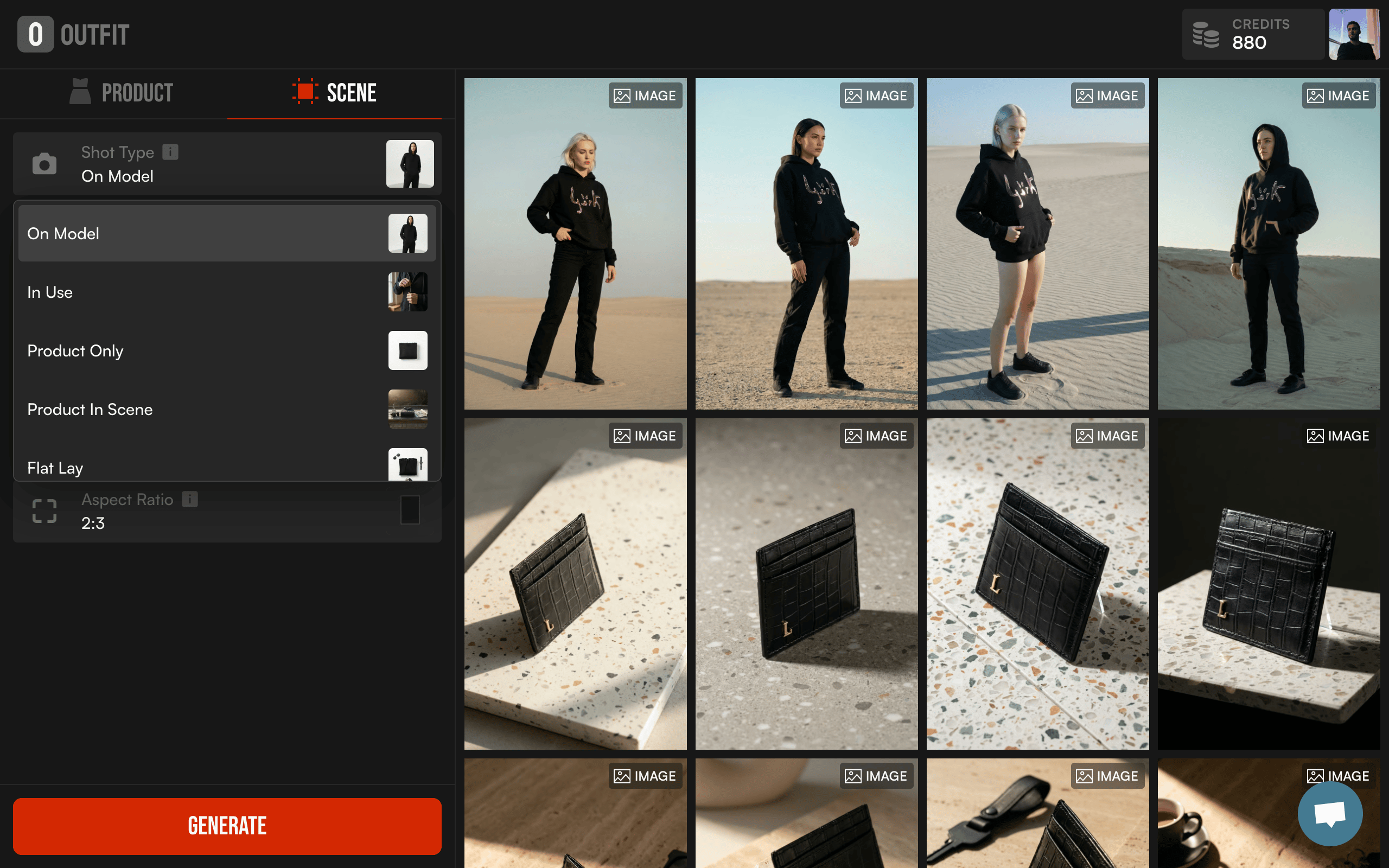
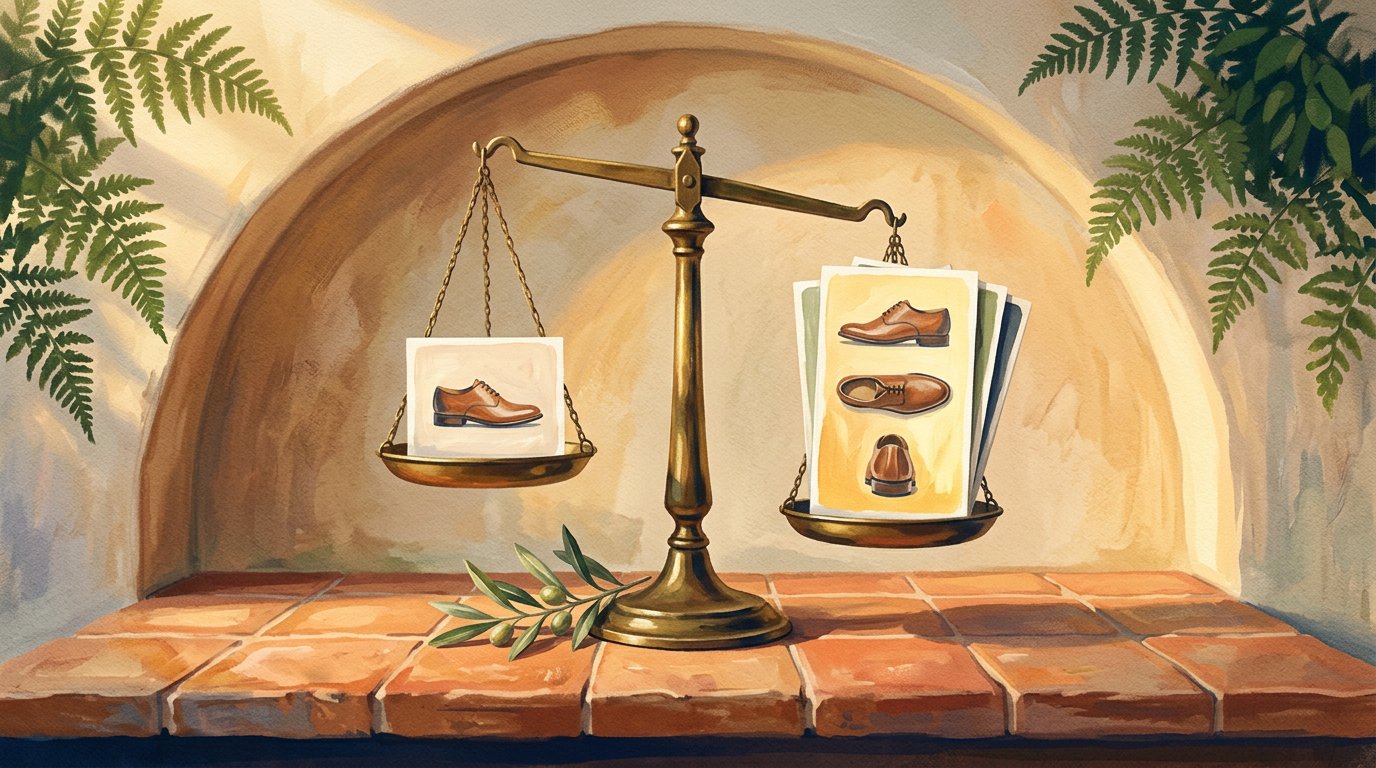
Most brands don’t rely on a single mode. They build a visual system where each mode has a role. Editorial sets the tone, UGC adds realism, mood-driven scenes create aspiration, flat lays highlight details, and product-only images support conversion.
The key is consistency. Once a brand defines its core look, tools like Outfit make it easier to apply that direction across different modes without starting from scratch every time. This allows teams to adapt to seasons, platforms, and campaigns while staying visually aligned.
In short, the right mode is the one that matches your goal not just your taste. Brands that choose intentionally create visuals that feel cohesive, purposeful, and ready to scale.
In summary
There’s no single photoshoot mode that works for every brand, every product, or every moment. The strongest fashion visuals come from intention understanding what you want a visual to achieve before deciding how it should look.
Brands that perform well visually don’t rely on one format. They build a system. On-model visuals define identity, UGC builds trust, mood-driven scenes create desire, flat lays highlight details, and product-only shots bring clarity. Each mode has a role, and together they create consistency across platforms and seasons.
What matters most is alignment. When visuals match the brand’s positioning and business goals, content becomes easier to scale and more effective to deploy. Tools like Outfit help brands apply this structure in practice adapting quickly without losing control over how the brand is presented.
In the end, the right visuals aren’t about doing more, they’re about choosing better.