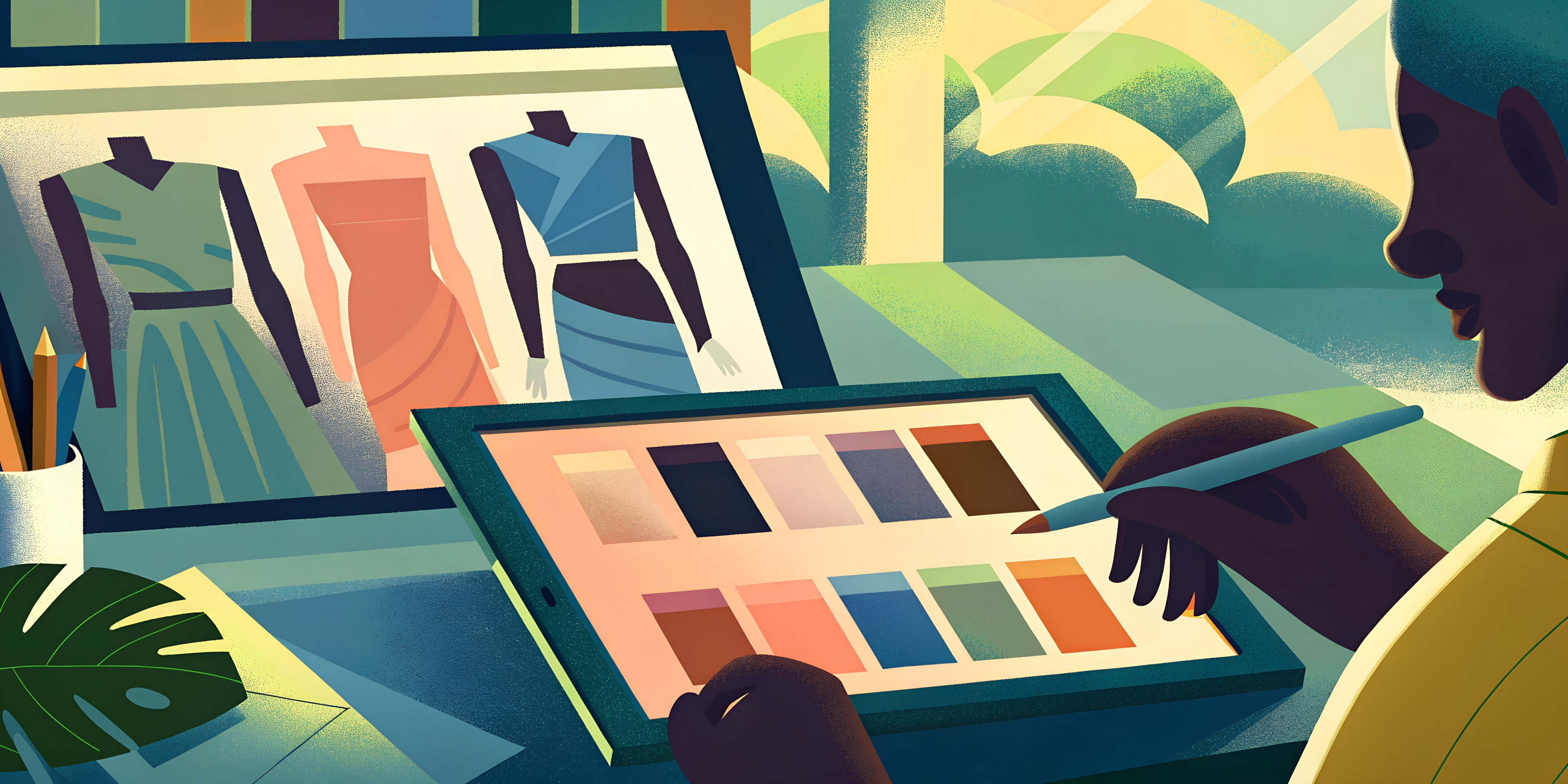
How Fashion Designers Use AI for Moodboards
How designers use AI moodboards to filter inspiration, shape ideas, and bring clarity to the early stages of fashion design
Moodboards are where fashion ideas begin, before sketches or fabrics, designers use moodboards to define the mood, direction, and visual tone of a collection. They help focus ideas early and avoid wasted time later.
Traditionally, this meant searching, saving, and organizing inspiration manually. It worked, but it was slow and often limited by what was easy to find.
AI makes this step simpler. Instead of collecting references one by one, designers can explore visual directions faster using data-driven tools built for early creative exploration, such as Adobe Firefly.
Moodboards are still about direction, not final visuals. They help designers decide what they want to build before moving on to execution.
AI doesn’t replace moodboards, It helps designers reach clarity sooner.
When inspiration becomes noise
Designers today don’t lack inspiration, they’re surrounded by it. From fashion weeks and street style to social media and online stores, references are everywhere. The real challenge is deciding what actually fits together and what doesn’t.
This overload often makes traditional moodboarding harder, not easier. Saving more images doesn’t always bring clarity. Instead, it can slow decisions and blur the original idea. That’s why many designers are starting to use AI during the moodboarding stage not to create random visuals, but to help filter, compare, and refine directions early.
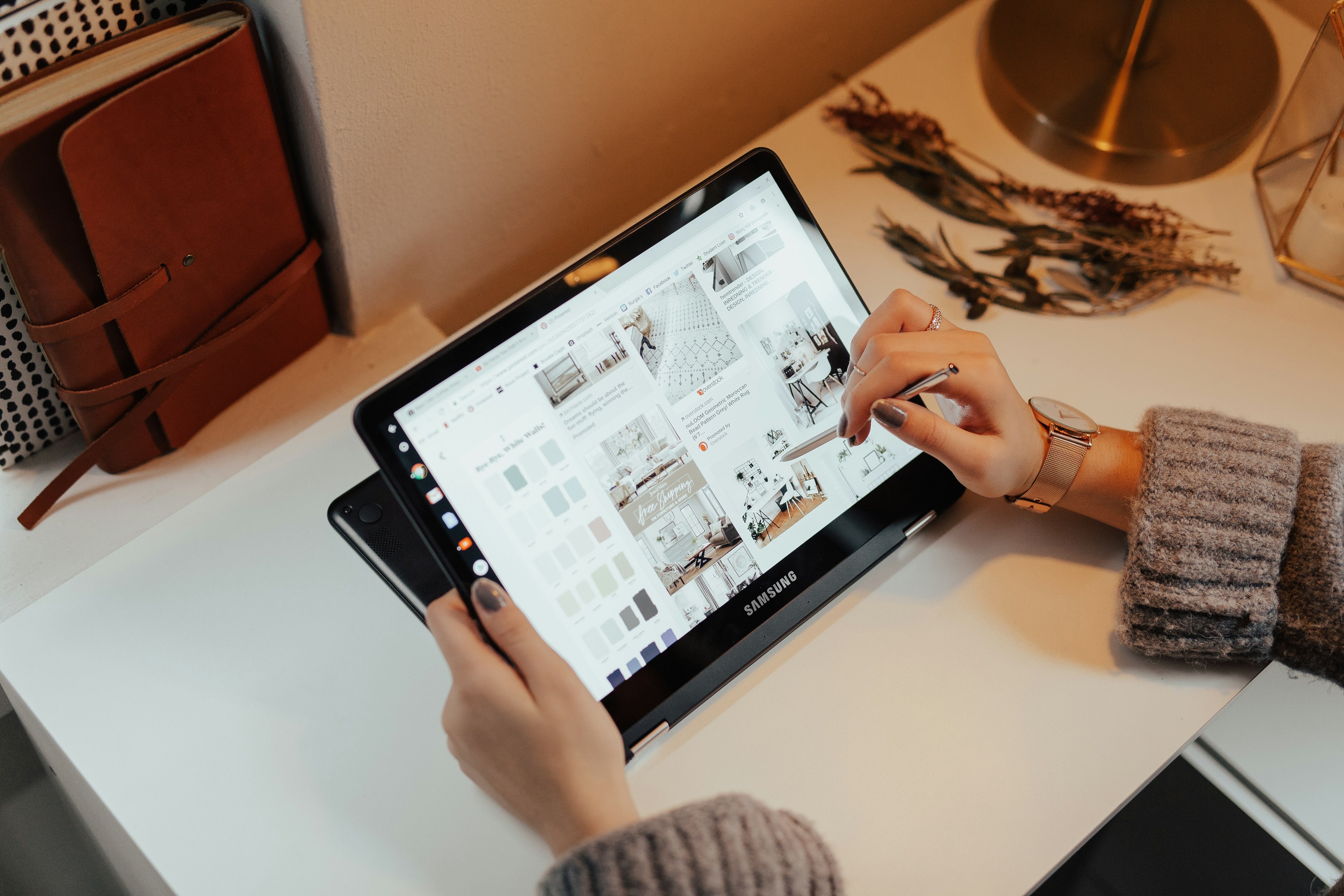
Clear visual direction at this stage matters more than it seems. When early ideas are focused, everything that follows becomes easier from design decisions to how collections are eventually presented. Strong visual foundations tend to carry through the entire creative process, especially when visuals play a key role in how a brand is perceived online, where product imagery often shapes first impressions and buying decisions.
As fashion continues to move faster, moodboarding is becoming less about collecting inspiration and more about making intentional creative choices and AI is quietly helping designers do that with more clarity.
How designers actually use AI moodboards
Designers use AI moodboards to explore ideas, not to reach final answers.
At the start of a project, ideas are usually unclear. A designer might begin with a mood or a simple concept and try a few visual directions around it. AI helps by generating options quickly, making it easier to compare styles and understand what works before committing too early.
This also helps designers move forward faster. When visuals are easy to test, there’s less attachment to weak ideas. Strong directions stand out sooner, which makes later steps smoother especially when those ideas eventually turn into product visuals used online, where clear imagery plays a big role in how collections are perceived and how buying decisions are made.
AI moodboards are also useful for communication. Sharing a clear visual
direction early helps teams and clients stay aligned before detailed design work begins. In a fast-moving industry, this kind of early clarity is becoming more important, a shift often noted by Vogue Business when discussing how fashion teams adapt to tighter timelines.
AI doesn’t replace creative thinking, it simply helps designers make sense of ideas earlier.
Tools designers use for AI moodboards
Designers usually use a small mix of tools when working on AI moodboards. Each one plays a different role, depending on whether the goal is inspiration, exploration, or organization.
Used at the very beginning to explore styles, moods, and visual references. Designers rely on it to discover ideas before narrowing direction.
Adobe Firefly
Used to experiment with styles, textures, and color moods. It helps designers shape ideas instead of just collecting images.
Custom GPTs
Some designers create their own AI assistants to help name themes, refine concepts, or clarify creative direction using text alongside visuals.
Recraft AI
Commonly used for illustration-style visuals and graphic elements that support early concept and mood exploration.
Adobe Express
Useful for quick layouts and simple visual compositions when moodboards need light structure or presentation.
Canva
Used to organize and present moodboards clearly once ideas start coming together, especially when sharing with teams.
Designers don’t need every tool. Most choose a few that keep moodboarding fast, flexible, and focused on clarity.
How to create a fashion mood Board with AI (step by step)
Creating a fashion mood board with AI is about staying focused, not automating creativity. AI helps designers move faster through the early stage while keeping the vision clear.
Step 1: set the direction
Start with a clear idea of the mood, season, or customer you’re designing for. This becomes the filter for everything that follows.
Step 2: explore visual options
Use AI to surface visual references around that direction. Focus on patterns, colors, and moods instead of individual images.
Step 3: curate and refine
Remove what doesn’t fit, add your own references, and shape the board until it feels intentional, not random.
Step 4: align and move forward
Share the board early to align decisions, then use it as a visual reference as the project develops.
AI helps designers reach clarity faster, but the final direction always comes from human judgment.
What AI moodboards can’t do
AI moodboards are great for exploring ideas, but they’re not meant to replace real creative judgment.
They can suggest visuals, styles, and moods, but they don’t understand context the way a designer does. AI can’t decide what truly fits a brand’s identity, audience, or long-term vision. Taste, experience, and intuition still matter especially when ideas move closer to real products.
AI moodboards also stop short of execution. They don’t show how garments will actually look when worn, styled, or presented to customers. Turning inspiration into clear, trustworthy visuals is a different step altogether, and it plays a major role in how products are perceived online and how confident people feel before buying, especially in e-commerce environments.
That’s why designers who use AI moodboards well treat them as a starting point, not a solution. AI helps narrow ideas early, but the final decisions and how those ideas are brought to life, still depend on human choice and proper presentation.
Where moodboards turn into real visuals
Once a moodboard feels clear, designers face a familiar challenge: turning that direction into visuals that actually represent the product.
Moodboards help define what the collection should feel like, but they don’t show how garments will look when worn, styled, or presented. This is where many designers move from exploration to execution, using tools built for creating consistent, realistic visuals rather than abstract inspiration.
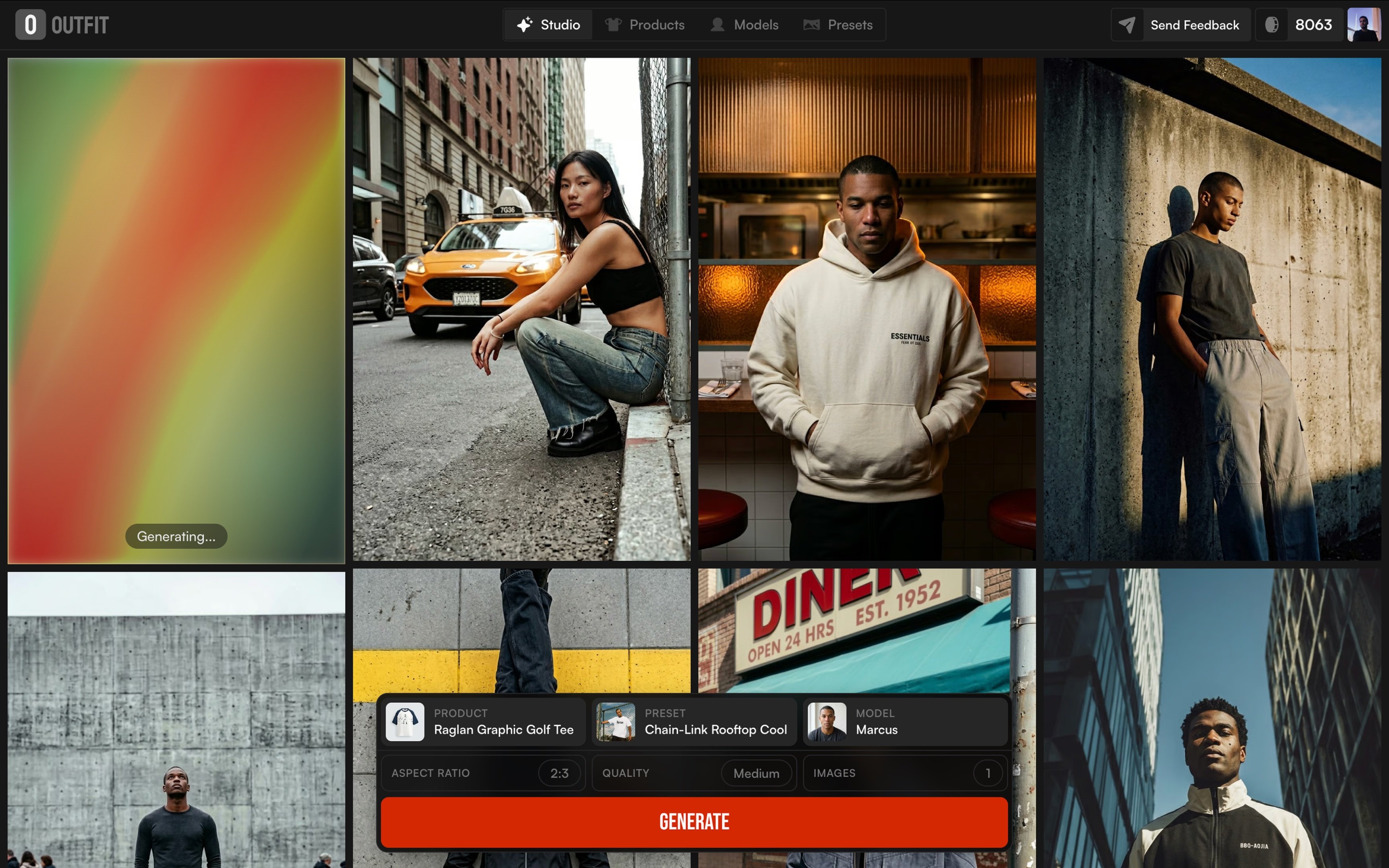
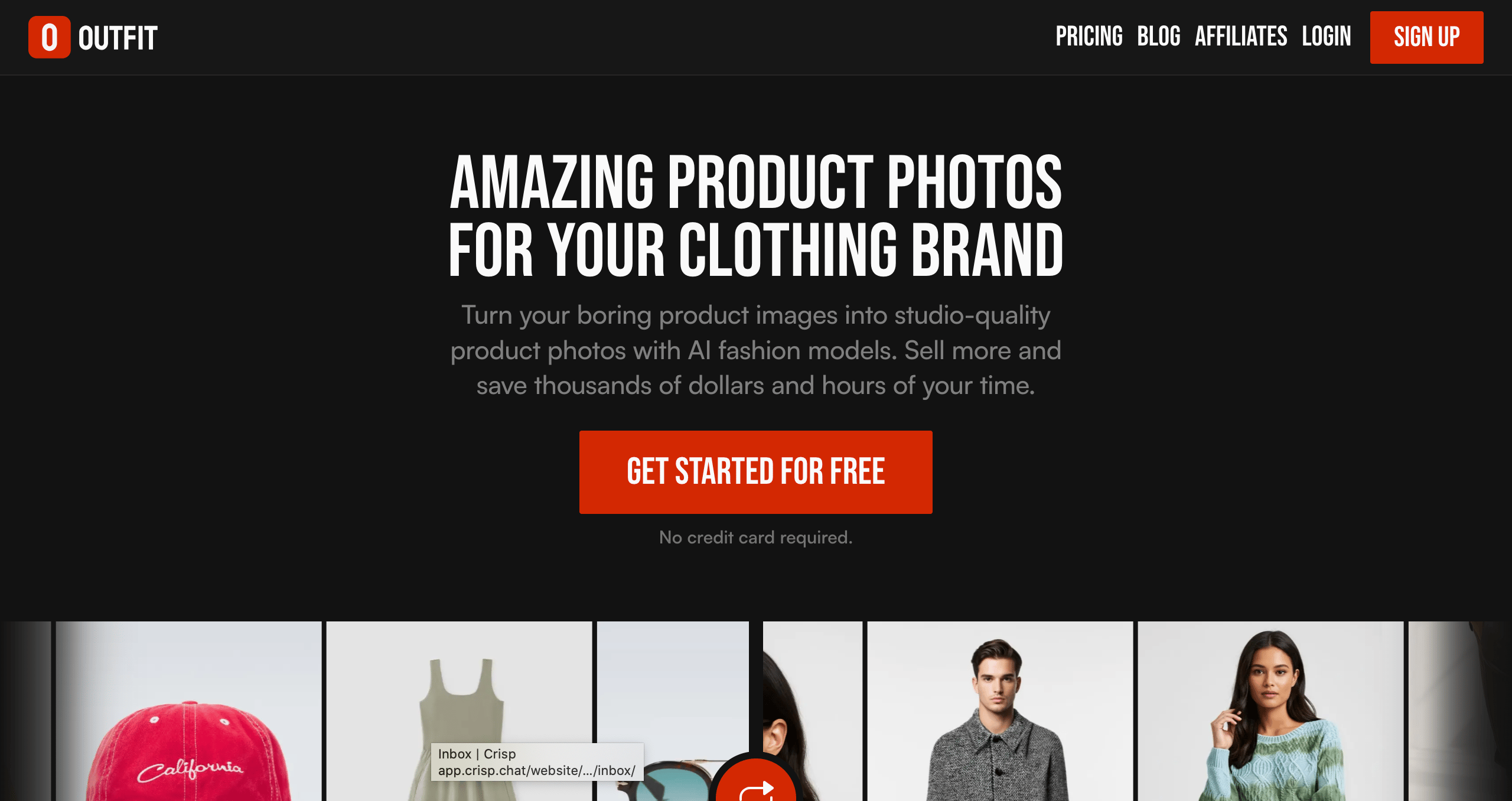
Platforms like Outfit are often used at this stage to translate a chosen mood into complete, on-brand visuals. Instead of organizing references, designers can apply the direction they’ve already defined and see how it works across different looks, settings, or styles without setting up a traditional photoshoot.
In this way, moodboards and execution tools don’t compete. They work together. AI helps designers move from ideas to visuals smoothly, without losing the intent that was defined at the very beginning.
The role of AI in modern moodboarding
AI didn’t change why designers use moodboards. It changed how easily they can work with them.
Moodboards are still about asking the right questions early about mood, direction, and intent. AI simply makes that process faster and less overwhelming. It helps designers explore more options, drop weak ideas sooner, and move forward with clearer decisions.
When used well, AI stays in the background. It doesn’t lead the creative process or replace intuition. It supports it. The designer still decides what feels right, what fits the brand, and what deserves to move forward.
In today’s faster design cycles, that balance matters. Moodboards remain the foundation and AI helps make that foundation clearer before ideas turn into real visuals.